
Description
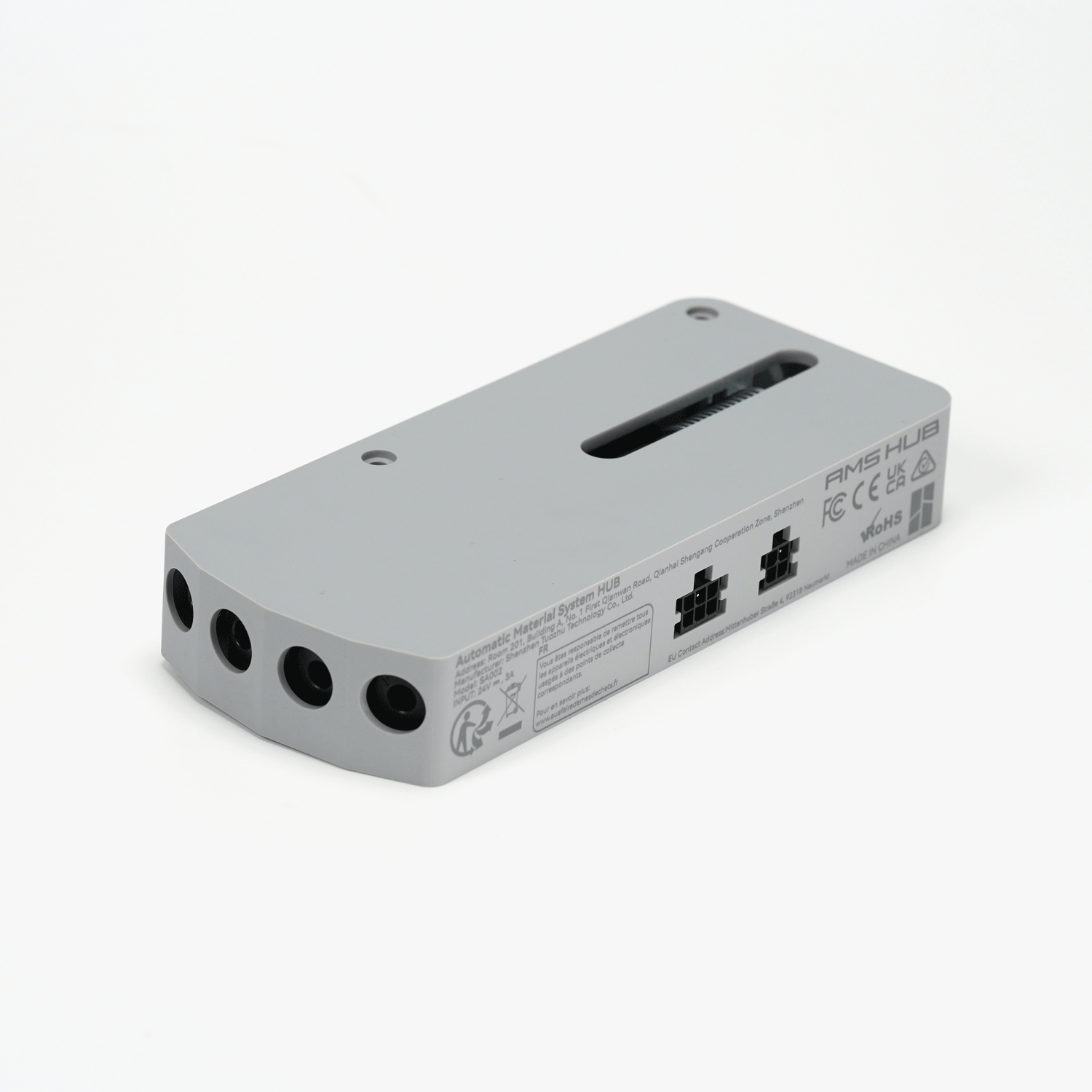
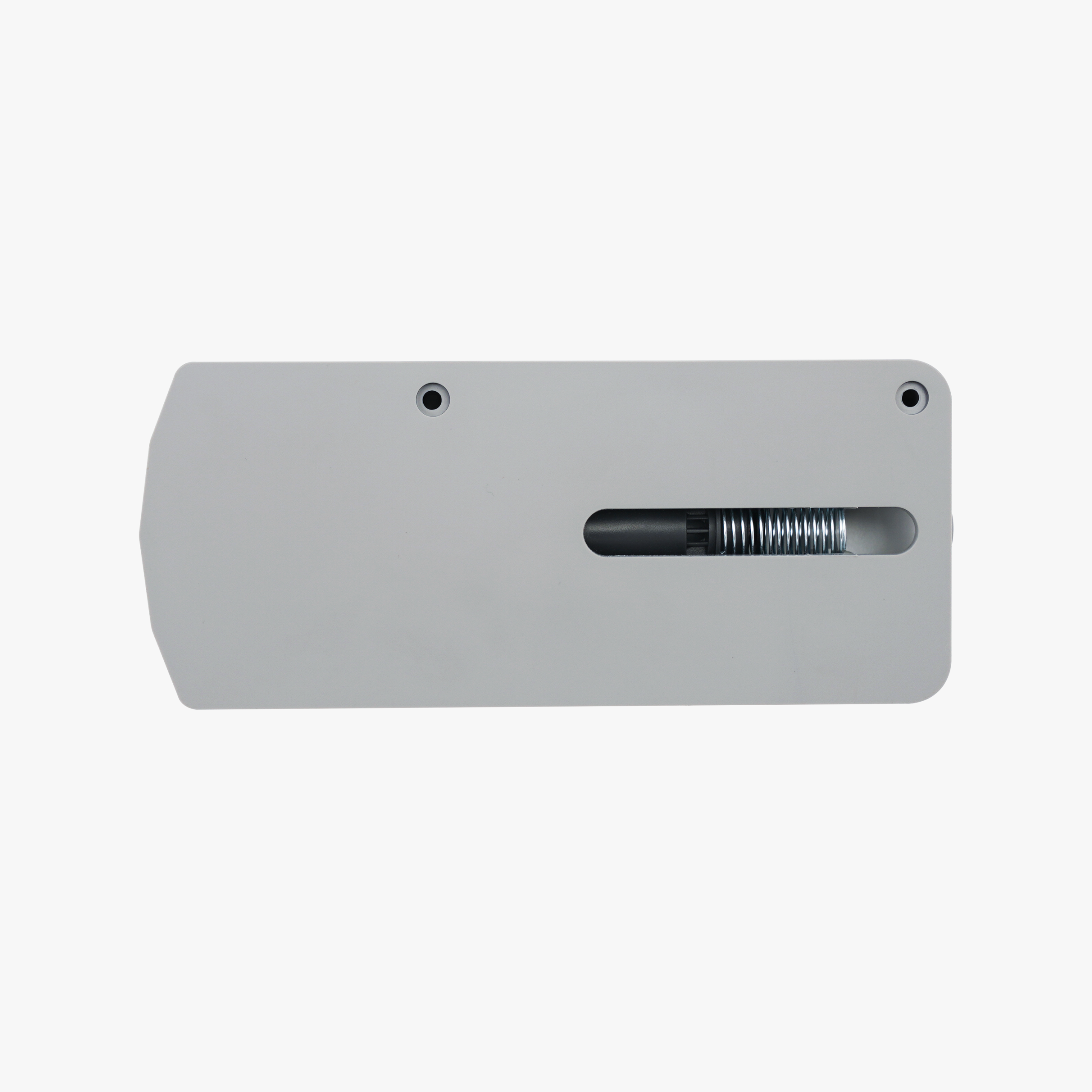
Bambu Lab AMS Hub — Connect Up to 4 AMS Units
The AMS Hub expands your X1 or P1 series printer’s AMS connectivity from a single unit (4 filament channels) to up to four AMS units (16 filament channels). It improves refuelling speed across multiple AMS units and adds signal redundancy, so your printer can manage a larger multi-colour, multi-material setup reliably.
What the AMS Hub Does
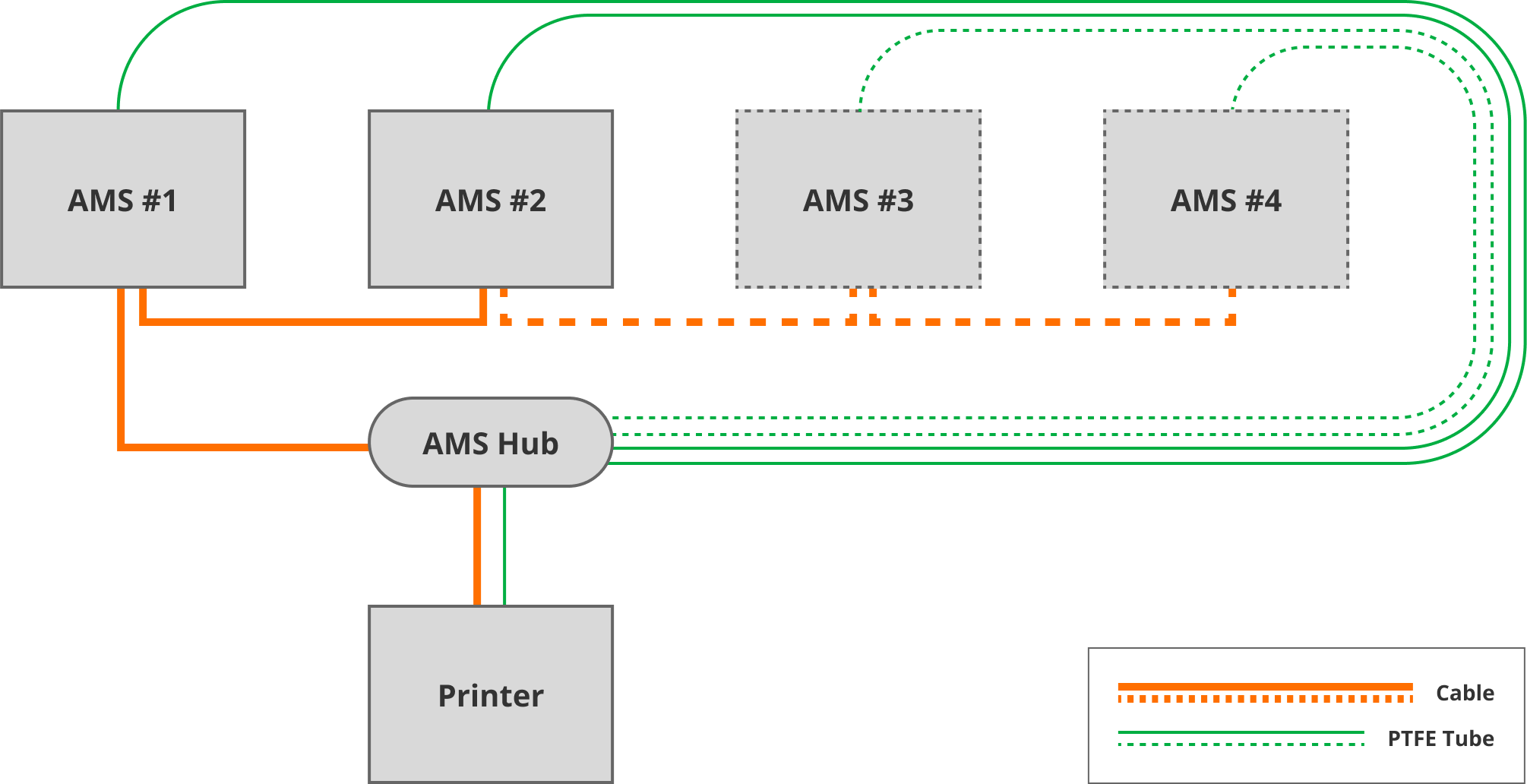
The printer’s built-in filament buffer only connects to one AMS. The AMS Hub replaces that connection point, letting you daisy-chain additional AMS units in series — each one adding another 4 filament channels, up to a maximum of 4 units and 16 channels total.
Do You Need One?
If you’re connecting a single AMS to your X1 or P1 series printer, you only need the Filament Buffer, a PTFE Tube Coupler, and a 4-pin cable. The AMS Hub is required once you want to connect more than one AMS unit to the same printer.
What’s Included vs What You May Need to Add
The AMS Hub ships with the cabling required to connect the first two AMS units — a 6-pin bus cable (×2, 1.5m), a PTFE tube, and mounting screws. If you’re running three or four AMS units, you’ll need to purchase additional bus cables and PTFE tube to extend the chain.
Installation
Mount the AMS Hub on the back of the printer in place of the filament buffer. Connect the AMS Hub to the printer using the matching Bambu Lab 4-pin cable, then use the 6-pin cable to connect the Hub to the first AMS unit. Daisy-chain any further AMS units in series using the same 6-pin cable. Choose your PTFE tube length based on where your printer and AMS units are positioned relative to each other.
Compatibility
Bambu Lab X1 / X1C
Bambu Lab X1E
Bambu Lab P1P
Bambu Lab P1S
Supports the original AMS, AMS 2 Pro, and AMS HT in any combination, up to 4 units total.
Not compatible with the AMS Lite — the A1 and A1 Mini use a separate, dedicated A1 AMS Hub instead of this unit. Not compatible with the H2 series or P2S/X2D, which use their own multi-AMS connection accessories.
Multiple AMS 2 Pro Units — Power Note
If you’re connecting more than one AMS 2 Pro, only one can draw power directly through the printer. Each additional AMS 2 Pro requires its own 24V 4A switching adapter (sold separately) to run its drying function.
What’s Included
AMS Hub × 1
6-pin bus cable (1.5m) × 2
PTFE tube × 1
M3×28 screws × 2
Specifications
Product size: 140 × 60 × 22 mm
Package size: 235 × 167 × 40 mm
Product weight: 84 g
Gross weight: 321 g
Materials: Plastic, metal, printed circuit board
Input: 24V, 3A
Colour: Grey
Max AMS units supported: 4 (16 filament channels)

Reviews
There are no reviews yet