

Description
Print Parts That Are Lighter Than Regular PLA
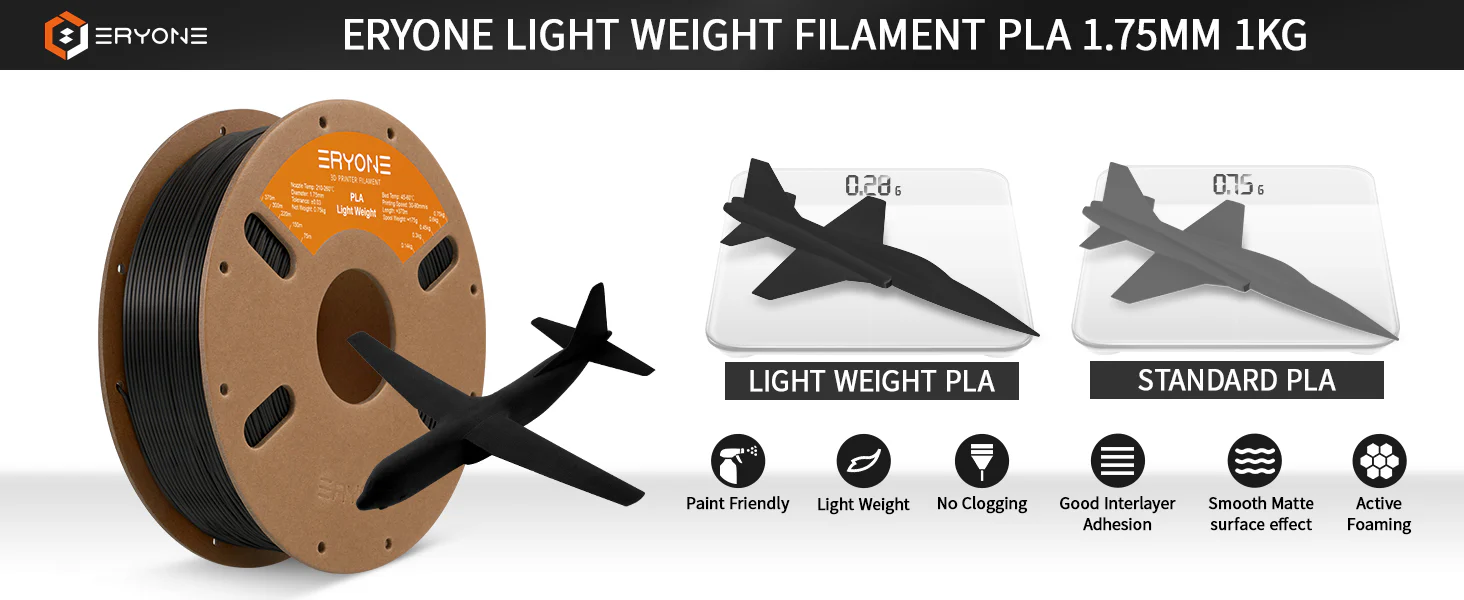
Eryone Light Weight PLA uses nano-foaming technology to create parts that weigh significantly less than standard PLA prints. When printed above 230°C, the filament actively foams during extrusion — expanding in volume while reducing density. The higher the temperature, the more the filament expands, and the lighter the finished part becomes. At full foaming, the expansion rate exceeds 200%, meaning you get more than double the printed volume from the same amount of filament.
This makes LW-PLA the go-to filament for any project where weight matters — RC aircraft, model planes and boats, cosplay armour and wearable parts, drone components, decorative props, and architectural models.
How Foaming Works — Temperature Controls Density
LW-PLA behaves differently to standard filament because you control the foaming level through nozzle temperature. At the lower end of the range (210–220°C), the filament prints with minimal foaming and behaves similarly to regular PLA — denser, heavier, and more rigid. As you increase the temperature toward 240–260°C, the nano-foaming effect activates and the filament expands progressively, producing lighter parts with increased volume.
This gives you a tuneable range between strength and weight reduction. Print structural sections at lower temperatures for rigidity, then increase the temperature for non-structural infill and surfaces where weight savings matter most. Experienced users combine both approaches within a single print using variable temperature settings in the slicer.
Fine Matte Surface Finish
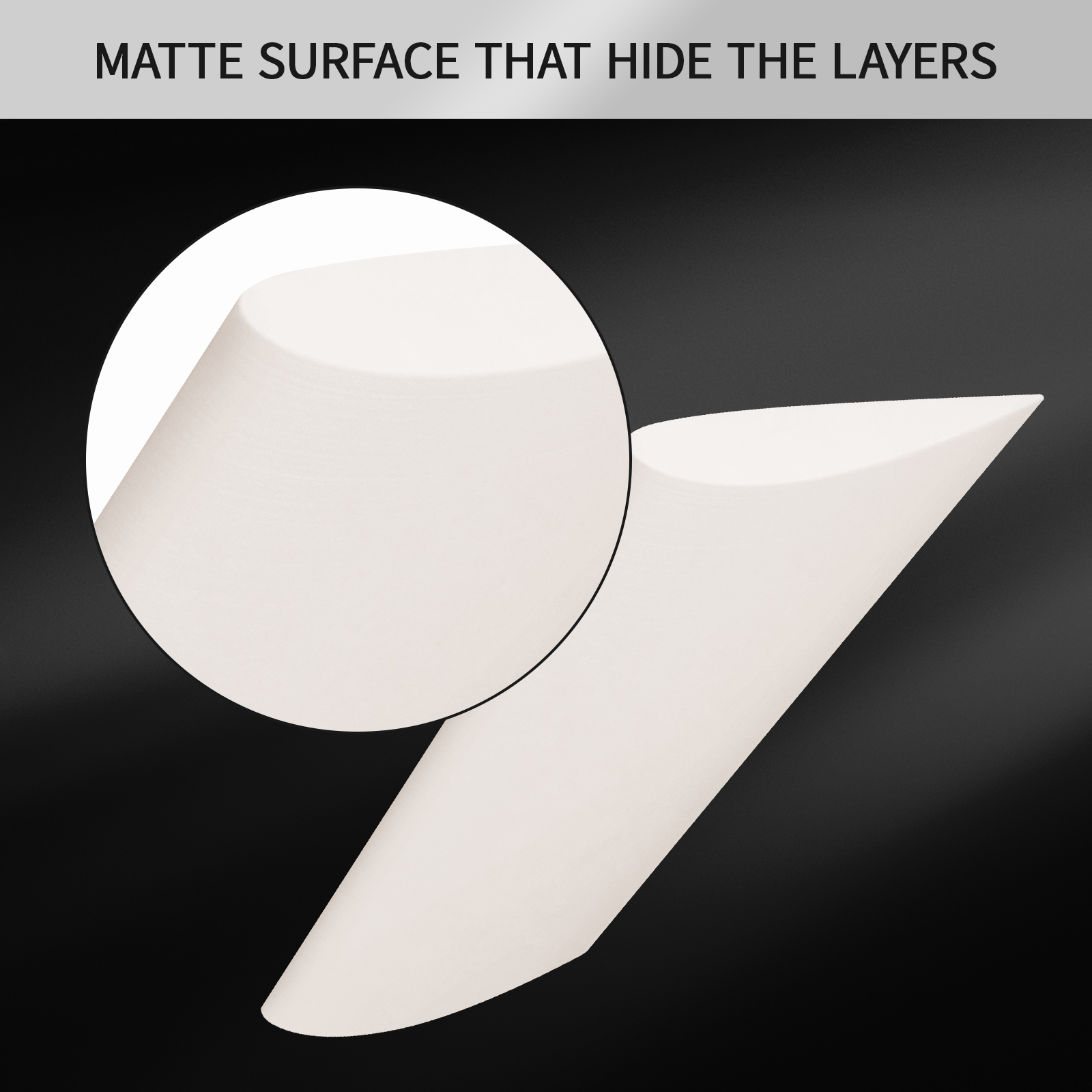
The foaming process produces a fine matte texture with near-invisible layer lines — a natural benefit of the expanded material filling in the gaps between layers. This makes LW-PLA parts look smooth and professional straight off the print bed, often requiring less post-processing than standard PLA. The matte surface also takes paint and primer exceptionally well, making it ideal for cosplay props and display models that need finishing.
Printing Tips
LW-PLA requires some slicer adjustments compared to standard PLA because the filament expands as it exits the nozzle. Key settings to adjust:
Reduce flow rate / extrusion multiplier — start at around 50–65% flow when printing at high temperatures to compensate for the foaming expansion. Fine-tune based on your results.
Nozzle temperature 210–260°C — lower temps for denser, stronger sections; higher temps for maximum foaming and weight reduction.
Bed temperature 45–60°C — standard PLA bed adhesion applies.
Print speed 30–90 mm/s — slower speeds give more consistent foaming.
Retraction — increase retraction distance and speed slightly, as foamed filament can be more prone to stringing.
Disable fan or reduce to 50% — too much cooling can reduce the foaming effect.
Ideal Applications
RC model aircraft, wings, and fuselages — dramatically reduced flying weight
Model boats and watercraft shells
Cosplay helmets, armour, and wearable props — lighter and more comfortable to wear
Large decorative pieces and display models — easier to handle and mount
Drone body panels and non-structural components
Architectural scale models
Stage and film props where weight is a concern
Specifications
Material: PLA (Light Weight / Foaming)
Net weight: 750g
Diameter: 1.75 mm ±0.03 mm
Nozzle temperature: 210–260°C
Bed temperature: 45–60°C
Print speed: 30–90 mm/s
Available colours: Black, White




-300x300.jpg)
Darren Robinson –