
Description
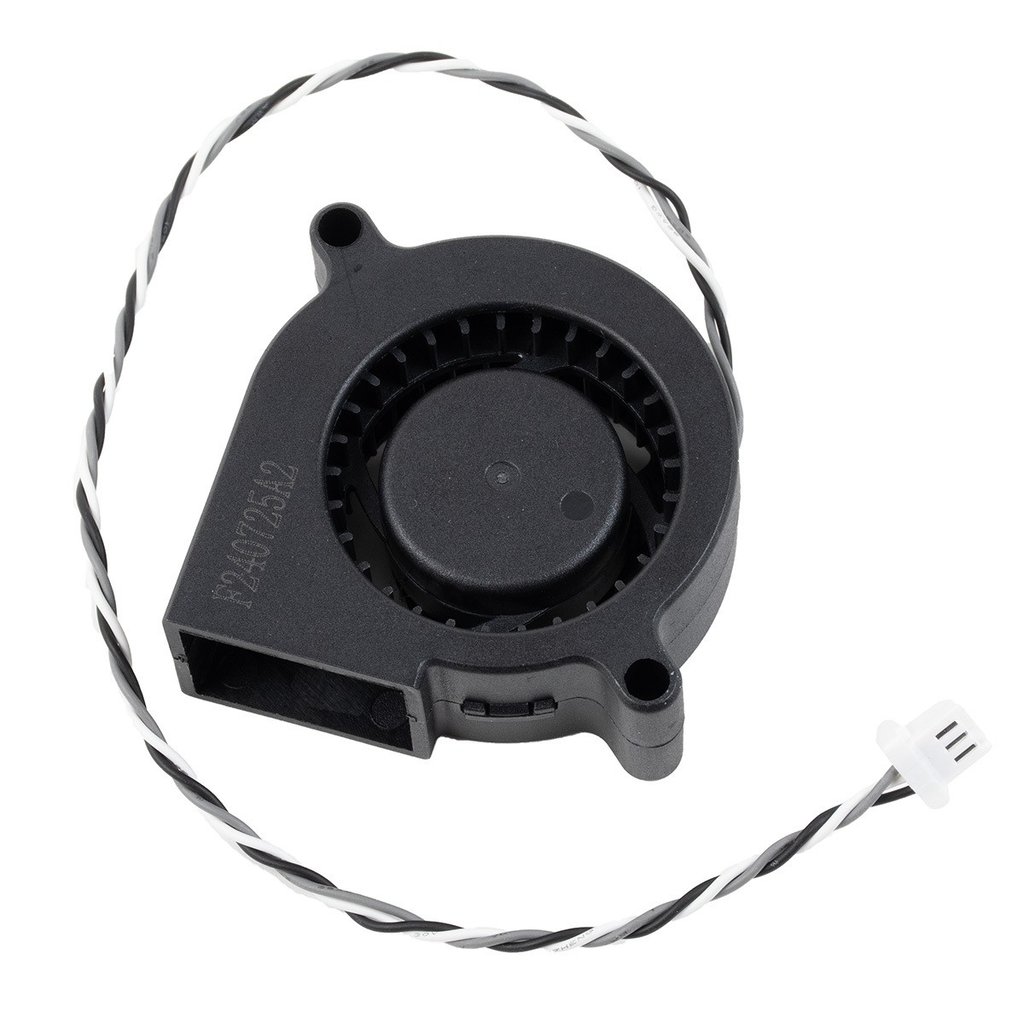
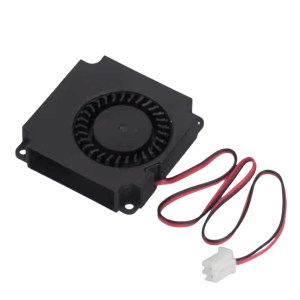
Prusa Print Fan Blower — OEM Hotend Cooling Fan Replacement
This is the OEM print fan (blower) for the Prusa Nextruder — the fan responsible for cooling printed layers as they’re deposited. Reliable part cooling is essential for clean overhangs, bridges, sharp corners, and fine details. If your fan has failed, is spinning slowly, making noise, or has stopped altogether, print quality suffers immediately and noticeably.
Why the Print Fan Matters
The print fan directs cooling airflow onto freshly extruded plastic, solidifying it quickly enough to hold its shape on overhangs, bridges, and fine details. Without adequate cooling, overhangs sag, bridges droop, small features blob together, and layer definition softens. A failing or underperforming fan is one of the most common causes of a sudden, unexplained drop in print quality.
When to Replace
Fan not spinning or spinning intermittently, unusual noise — grinding, rattling, or clicking from the fan, visibly reduced airflow compared to normal operation, overhangs, bridges, and fine details suddenly printing poorly despite correct settings, and physical damage to the fan blades or housing.
Before replacing, check that the fan isn’t simply clogged with dust or filament debris — clearing debris resolves many apparent fan failures without needing a replacement part.
What’s Included
Print fan (blower) × 1
Compatibility
Prusa MK4S
Prusa MK3.9S
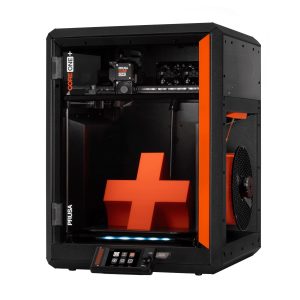
Prusa CORE One / CORE One+
Prusa CORE One L
Note: This fan is specific to the “S” variants (MK4S, MK3.9S) and CORE One series. Not compatible with the standard MK4, MK3.9 (non-S), MK3/MK3S/MK3S+, XL, MK3.5/MK3.5S, or Prusa MINI/MINI+. Check your printer’s exact model before ordering.
Installation
Refer to the Prusa Knowledge Base repair manual for your specific printer model at help.prusa3d.com. Power off and cool the printer before replacing the fan. Ensure correct wiring polarity and secure mounting to avoid vibration noise.
Reviews
There are no reviews yet