Introduction
The Snapmaker U1 is a one-in-one 3D printer, laser engraver and CNC capable solution for the creator who demands flexibility in one compact machine. The machine on its own is great, but its performance is enhanced by the appropriate accessories. There are many accessories that can be used to upgrade your printer, such as upgrading the nozzles or improving the build plates, and not only do they enhance the performance of the printer, but they also prolong its lifespan. In this tutorial, we will be discussing about the necessity of Snapmaker U1 accessories, their advantages and ways to use them to enhance the creative projects.
Why Accessories Matter?
Precision accessories or components are the key to every 3D printer or multifunctional machine. Some parts will wear out over time, and you must upgrade them to accommodate new materials. Snapmaker U1 accessories help to keep things running more smoothly, achieve optimal quality and minimize disruptions. Printing, engraving, or carving with CNC requires the perfect accessories for intricate models, detailed designs, and precision carving.
Key Snapmaker U1 Accessories
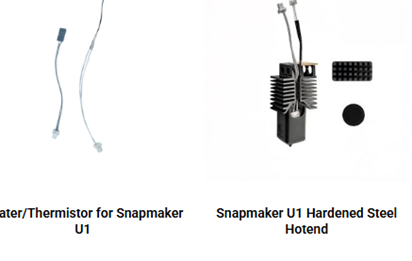
Nozzles: One of the crucial Snapmaker U1 accessories. These come in various sizes and help define the detail and quality of the prints and extrusion. Filament nozzles are best made of hardened steel.
Filament Holders: A stable filament holder prevents tangling and ensures smooth feeding during long prints.
Cooling Fans: Proper cooling enhances print quality and prevents overheating during extended sessions.
Laser Engraving Modules: Upgraded modules allow for finer engraving detail and faster processing.
Enclosures: Safety enclosures reduce fumes, noise, and dust, while also stabilizing temperature for better print results.
The advantages of good accessories:
Better Print Accuracy – New nozzles and better plates minimize print errors.
Extended Machine Life – Worn parts are routinely replaced preventing breakdowns.
Improved Safety – Enclosures and cooling fans keep the machine and user safe.
Versatility – CNC bits and laser modules offer flexibility in creativity.
Steady Results – Real accessories for steady performance.
Conclusion
The Snapmaker U1 is a great machine that can be customized with accessories to create a robust and user-friendly solution. Investing in quality parts means you can guarantee improved efficiency, performance and durability in your machine. Printing, engraving and carving are just some of the things that can be achieved with the right Snapmaker U1 accessories from 3D Radical Prints and with a 3D printer you can easily unleash your creative potential. See the accessories that are available today!
FAQs
How often should I replace the nozzle on my Snapmaker U1?
Nozzles should be replaced every 3–6 months depending on usage and materials. Printing abrasive filaments may require more frequent changes.
Is it okay to use third-party accessories with the Snapmaker U1?
Yes, however, genuine Snapmaker U1 accessories are recommended to enjoy better compatibility, safety, and optimal performance.
Do upgraded build plates improve print quality?
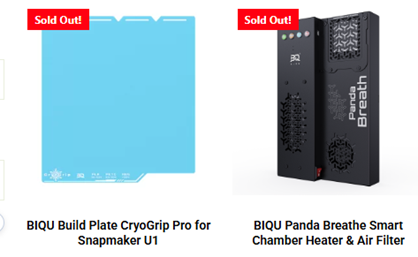
Absolutely. They will significantly enhance adhesion and reduce warping while offering a smoother surface.
What is the impact of CNC bits?
Different bits can be used to carve several materials. The correct bit will provide cleaner cuts and longer tool life.
Do you need an enclosure for the Snapmaker U1?
Enclosures aren’t required but they can enhance safety, fume control, and temperature control to help with your print quality.