
Description
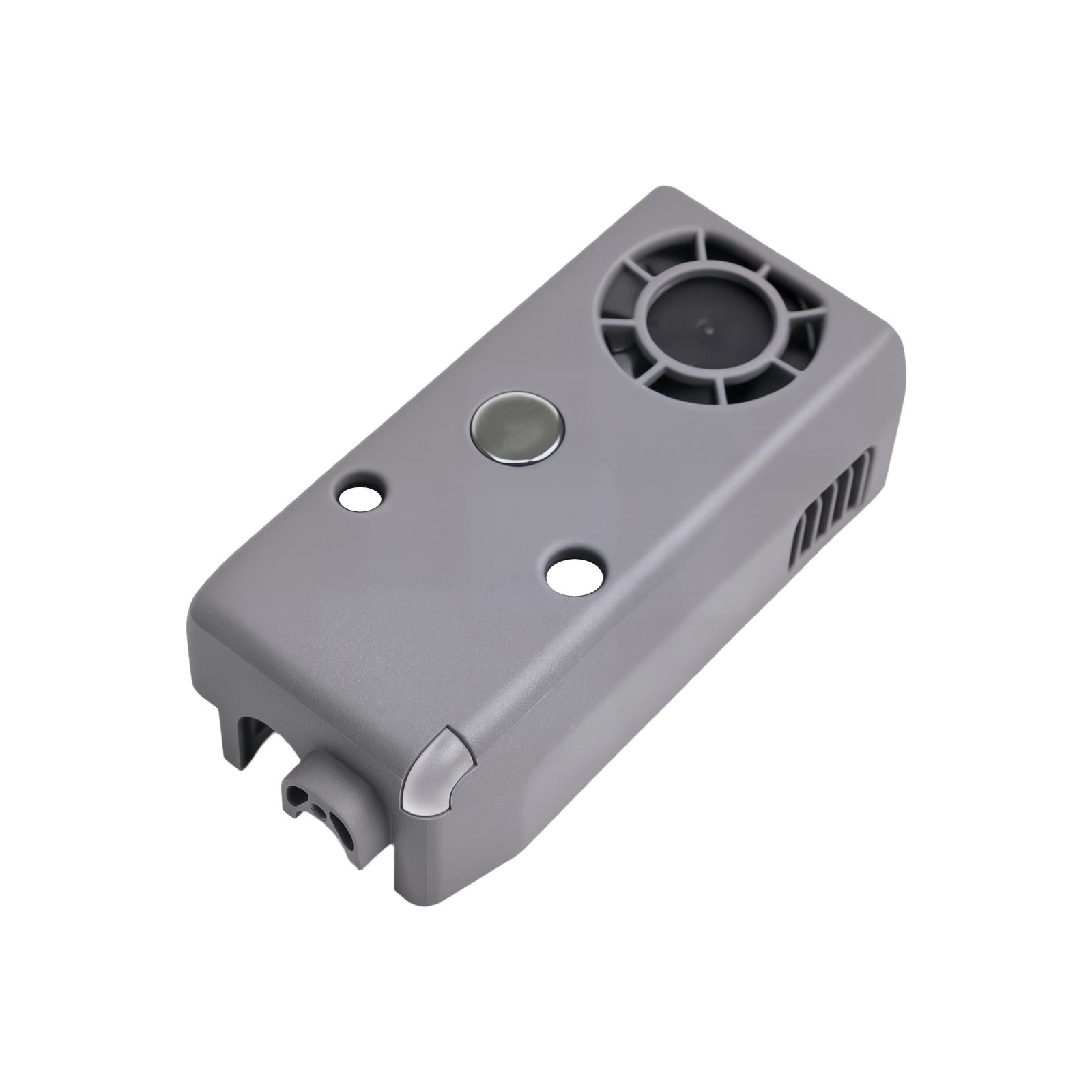
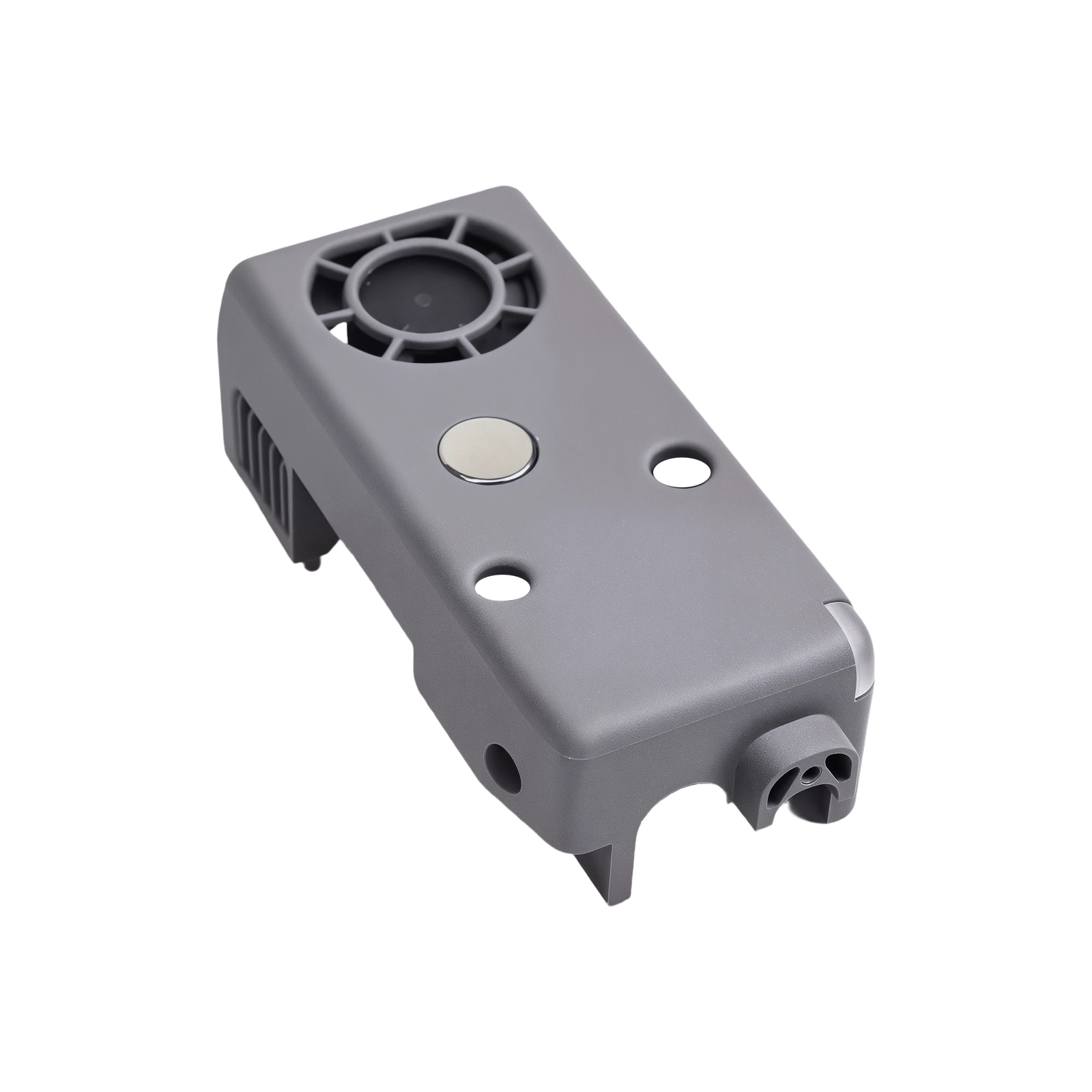
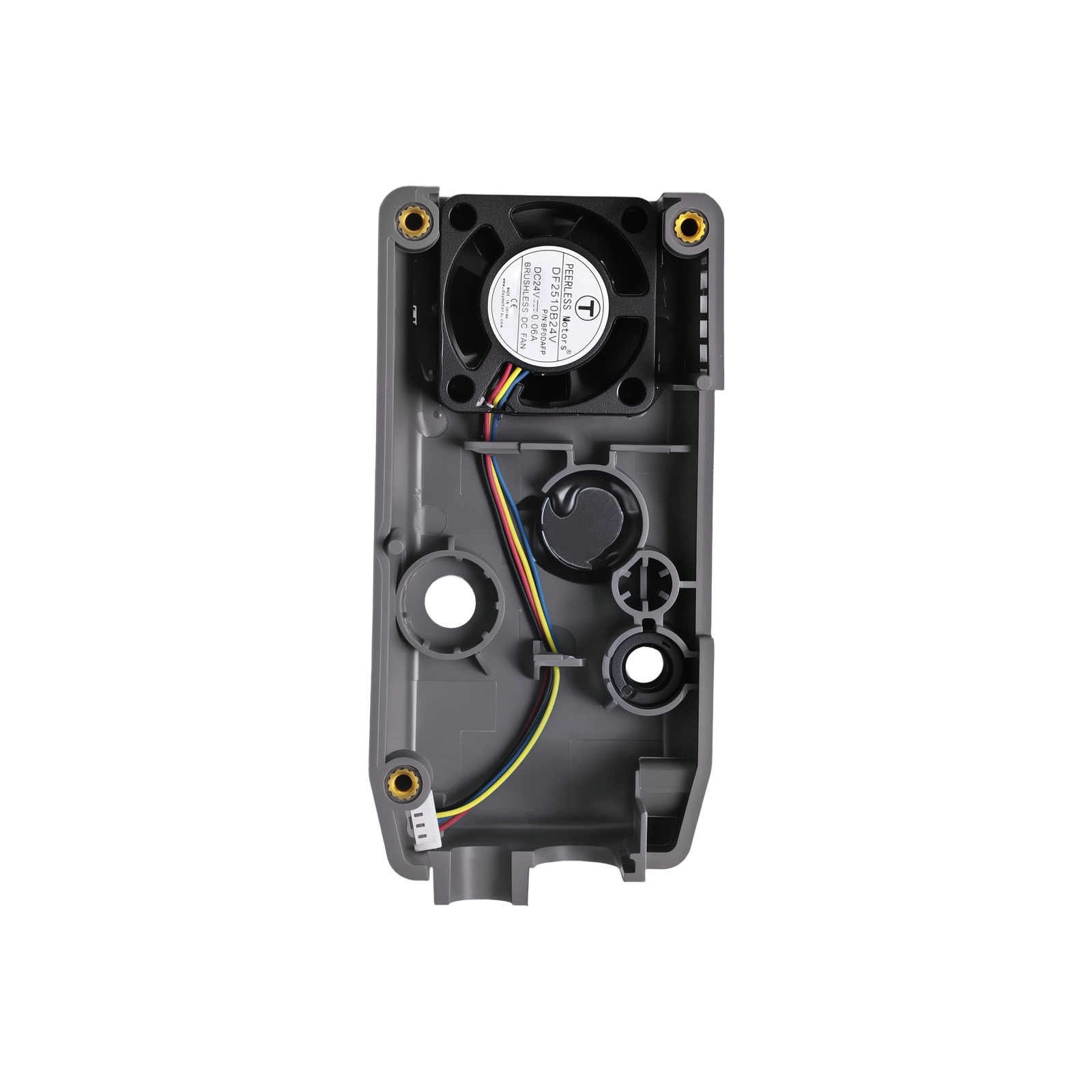
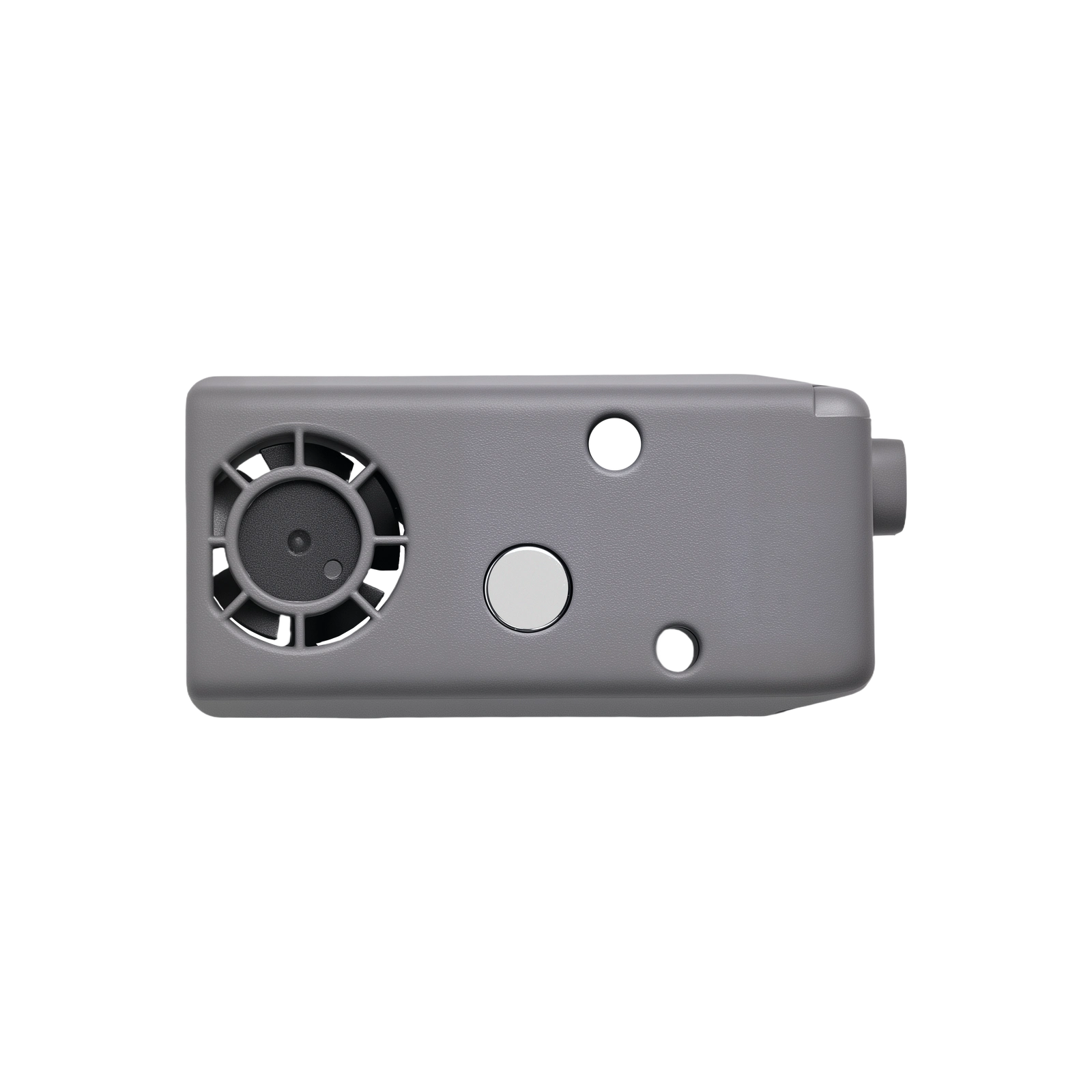
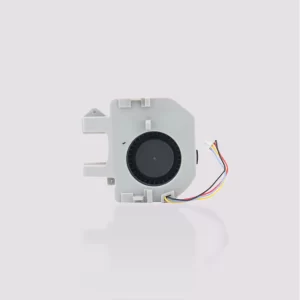
Flashforge Extruder Cooling Fan for Creator 5 Series
This is the genuine Flashforge extruder cooling fan for the Creator 5 and Creator 5 Pro — the fan responsible for directing airflow onto freshly extruded filament as it leaves the nozzle, helping it solidify quickly and maintain layer adhesion. A malfunctioning or worn fan is one of the most common causes of heat creep and cooling-related print defects, and reliable part cooling is essential for clean overhangs, bridges, and fine detail.
Why the Extruder Cooling Fan Matters
As filament is extruded, it needs to cool and solidify quickly enough to hold its shape on overhangs, bridges, and fine features. The extruder cooling fan handles this by directing airflow precisely onto the print as each layer is deposited. Without adequate cooling, overhangs sag, bridges droop, small features blob together, and layer definition softens — a fan that’s failing or underperforming is one of the most common causes of a sudden, unexplained drop in print quality.
Heat Creep Prevention
Beyond part cooling, this fan also plays a role in maintaining the thermal separation between the hot and cold zones of the toolhead. A malfunctioning fan is one of the most common causes of heat creep and heat sink issues, where filament softens prematurely above the melt zone and causes jams — replacing a worn or noisy fan restores consistent cooling performance and helps prevent this failure mode.
When to Replace
Fan not spinning or spinning intermittently, unusual noise — grinding, rattling, or clicking from the fan, visibly reduced airflow compared to normal operation, overhangs, bridges, and fine details suddenly printing poorly despite correct settings, and recurring heat creep or jamming issues traced to inadequate cooling rather than the hotend itself.
Before replacing, check that the fan isn’t simply clogged with dust or filament debris — clearing debris resolves many apparent fan failures without needing a replacement part.
Compatibility
Flashforge Creator 5
Flashforge Creator 5 Pro
Not compatible with the AD5X, AD5M, AD5M Pro, or other Flashforge models — those printers use different cooling fan assemblies designed for their respective toolhead systems.
Installation
Power off the printer and allow the toolhead to cool completely before beginning replacement. Refer to the official Flashforge Wiki maintenance guide for the Creator 5 series — “Replace the Extruder Front Cover Cooling Fan Assembly” — for the complete step-by-step procedure specific to this component.
What’s Included
Extruder Cooling Fan × 1
Reviews
There are no reviews yet