
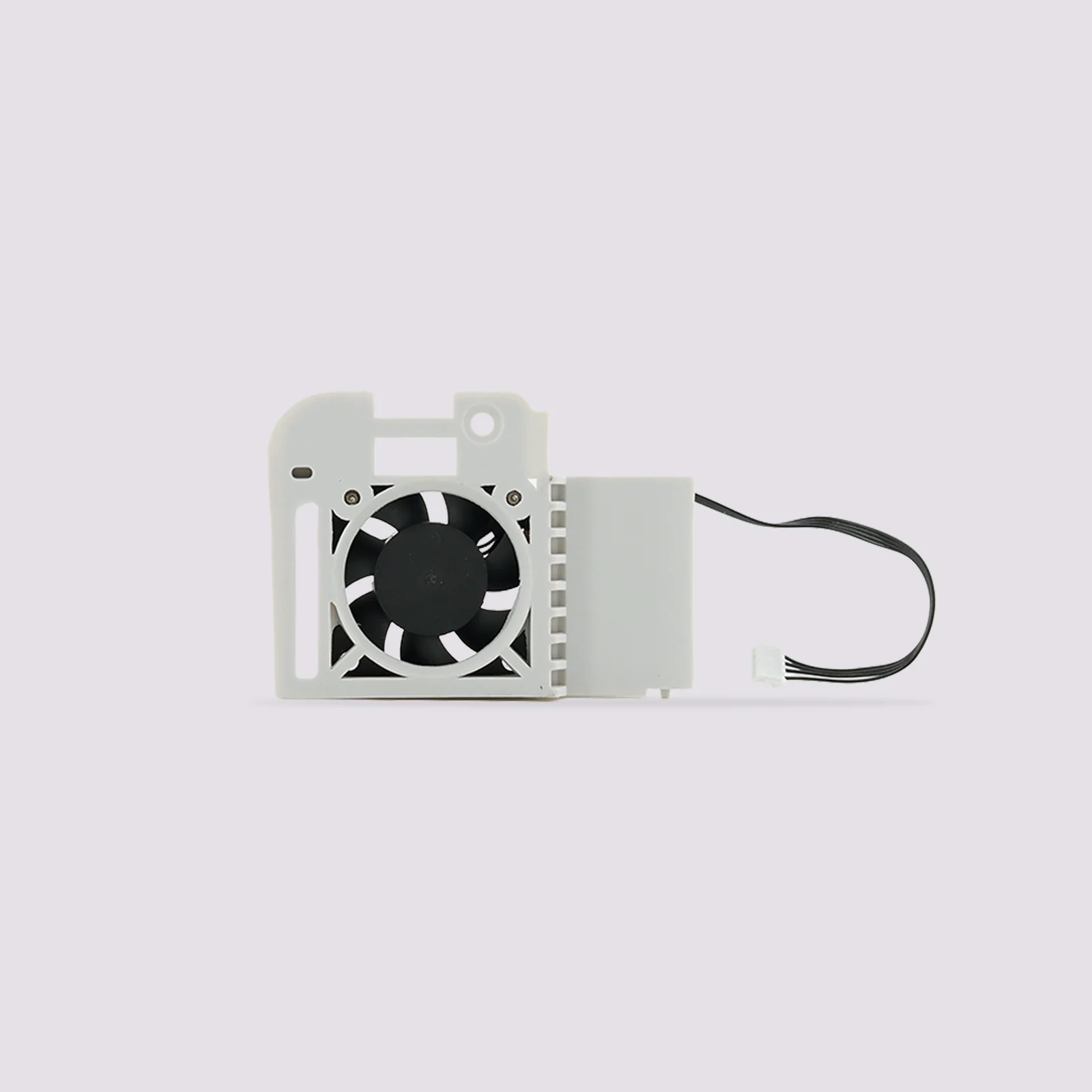
Description
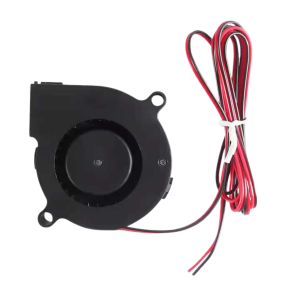
QIDI Max4 Hotend Cooling Fan — Genuine Replacement
This is the replacement hotend cooling fan for the QIDI Max4. It keeps the hotend heatsink cool so filament doesn’t soften above the melt zone, which is the cause of heat creep, jams, and clogs. If your fan has stopped spinning, started rattling, or is moving less air than it used to, this is the direct replacement.
What the Hotend Fan Does
The hotend fan cools the heatsink above the heater block, keeping the “cold zone” cold. Without good airflow there, heat creeps up the filament path and softens filament too early, so it swells, jams, and clogs the hotend. A healthy hotend fan is what lets the Max4 print reliably at high temperatures and over long jobs.
Automatic Operation
The fan switches on automatically once the nozzle reaches 50°C, so there’s nothing to set up or adjust. It runs at high speed whenever it’s active.
Keep fingers and tools clear of the fan while it’s running. It spins at a very high speed.
Hotend Fan vs Model Cooling Fan
The Max4 uses two separate fans at the toolhead, and they do different jobs.
Hotend Cooling Fan (This Product)
Cools the hotend heatsink to prevent heat creep, premature filament softening, and clogs.
Model (Part) Cooling Fan
Sits at the base of the toolhead and works with the air duct to cool the printed layers. It affects overhangs, bridges, and surface quality. It’s a different part.
If prints are clogging or jamming, the hotend fan is the one to check. If overhangs are sagging, look at the model cooling fan.
When to Replace
Fan not spinning or spinning slowly, unusual noise such as grinding, rattling, or buzzing, filament softening and jamming above the hotend, clogs that return soon after clearing them, heat creep on longer prints, and as preventive maintenance on a printer with many print hours.
Before replacing, check that dust or filament debris isn’t blocking the fan or the heatsink fins. Clearing debris fixes many apparent fan failures without needing a new part.
Installation
Power off and unplug the printer, and let the hotend cool completely before starting. Remove the toolhead cover, disconnect the fan connector, and swap in the new fan assembly, making sure the connector seats fully and the wiring isn’t pinched when you refit the cover. Refer to QIDI’s guide for the Max4 hotend fan replacement for the full step-by-step procedure.
Compatibility
QIDI Max4
This listing is for the Max4 hotend cooling fan. The model (part) cooling fan, motherboard fan, and fans for other QIDI printers are separate parts.
What’s Included
Hotend cooling fan with wire connector × 1
Reviews
There are no reviews yet