3D Radical Prints filament profiles that have been manually created to use with the brands of filament that we provide.
Note: For absolutely best results, it is always best to calibrate the filament using the settings in Bambu Studio or Orca Slicer. My profiles will work well but every printer is different.
Filament profiles currently available for – Bambu Lab A1 Mini, A1, X1C, P1P & P1S. H2 and P2 printers are in development.
Download link: 3D Radical Prints – Bambu Lab Profiles
Instructions how to import filament profiles:
- Download 3D Radical Prints – Bambu Lab Profiles and unzip content
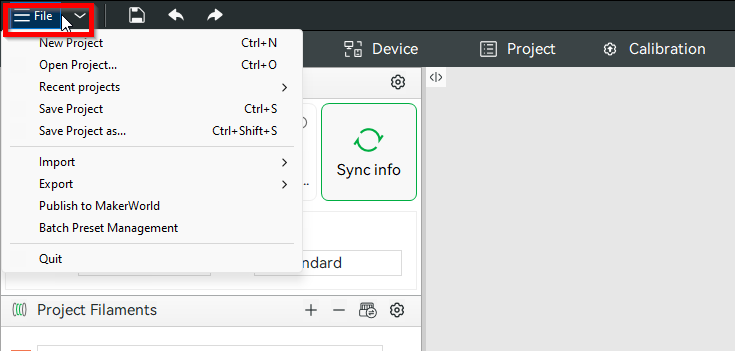
- Click “File” at the top left of Bambu Studio or Orca Slicer
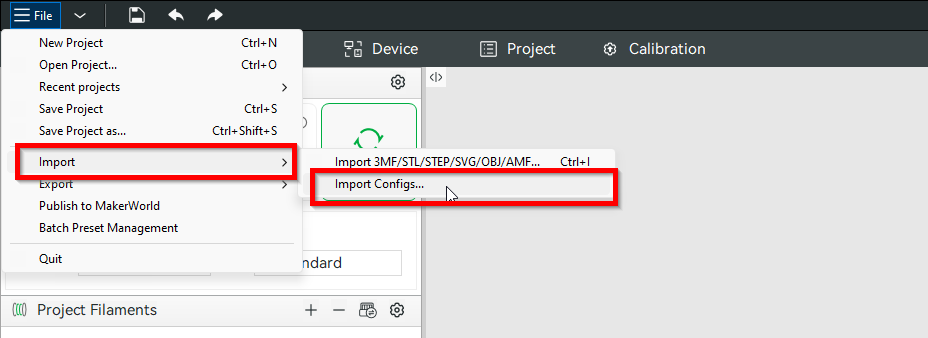
2. Hover mouse over “Import” > Click “Import Configs”
3. Select the .json profiles you want imported or select all
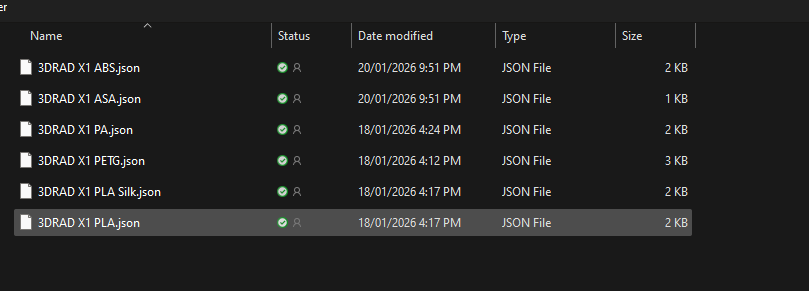
4. You will get a prompt, click ok.
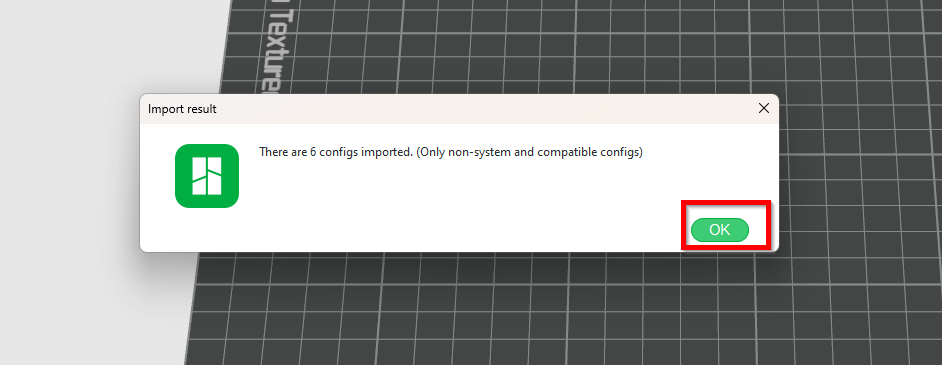
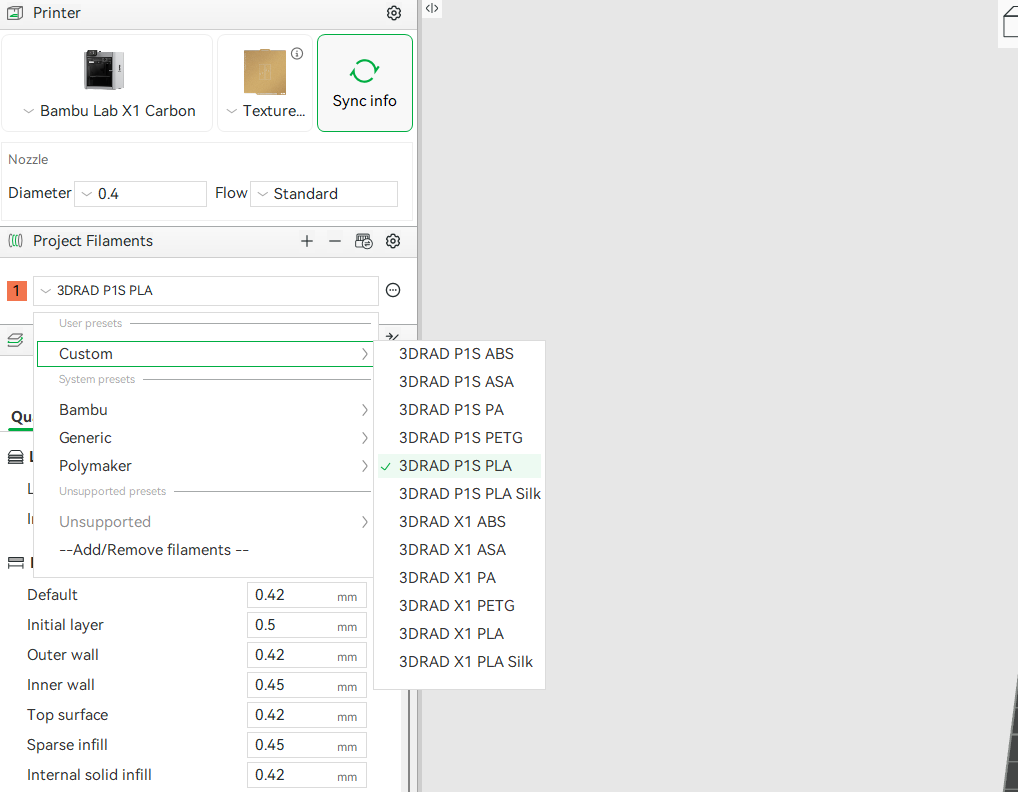
5. You will see the Filament Profiles you imported on the left panel under Profile Filaments > Custom > 3DRAD XXX profiles.