
Description
BIQU Panda Breath V1.1.2 — Chamber Heater, Air Filter & Filament Dryer in One
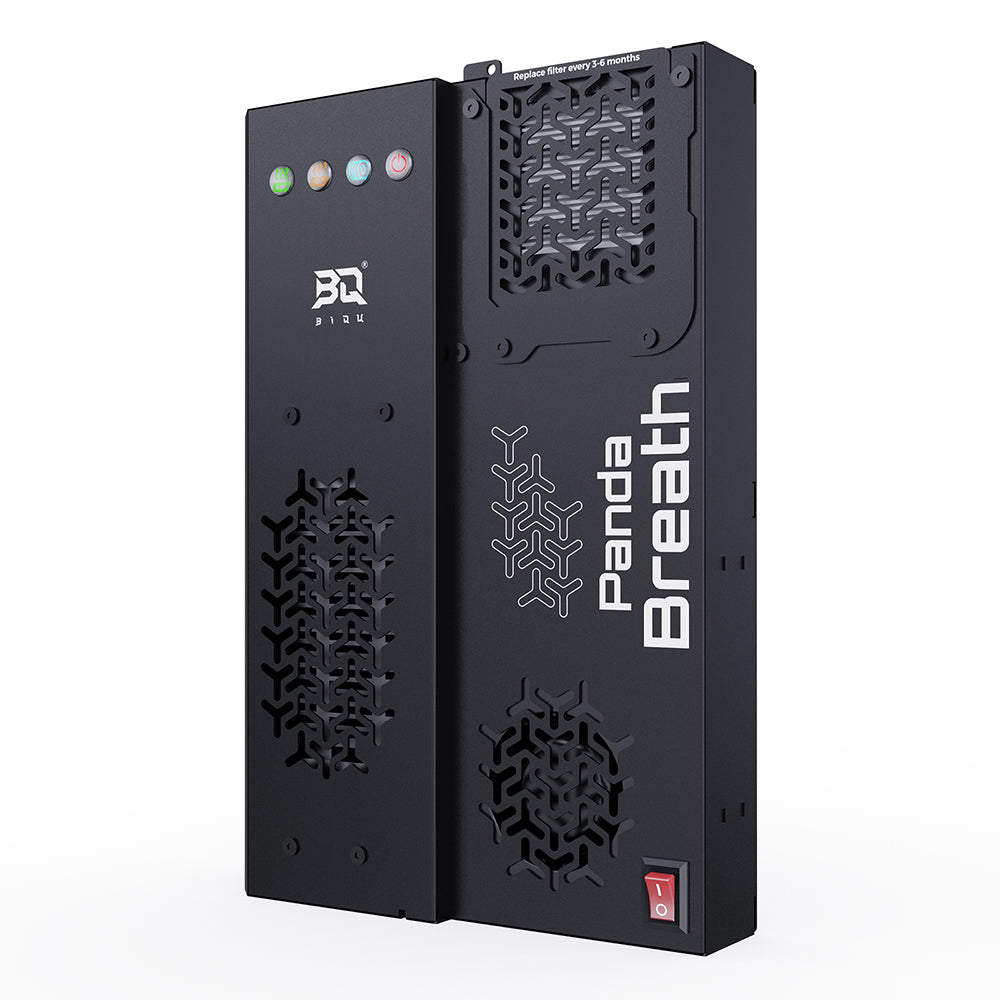
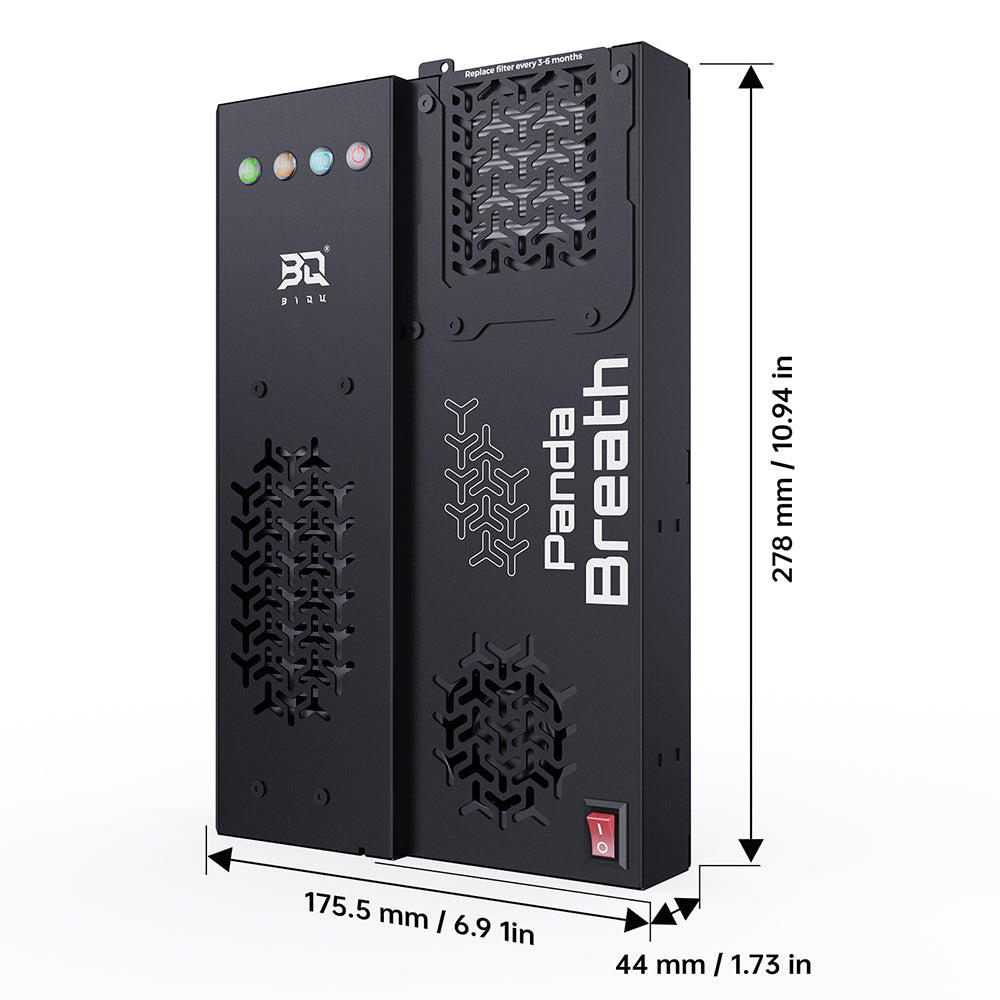
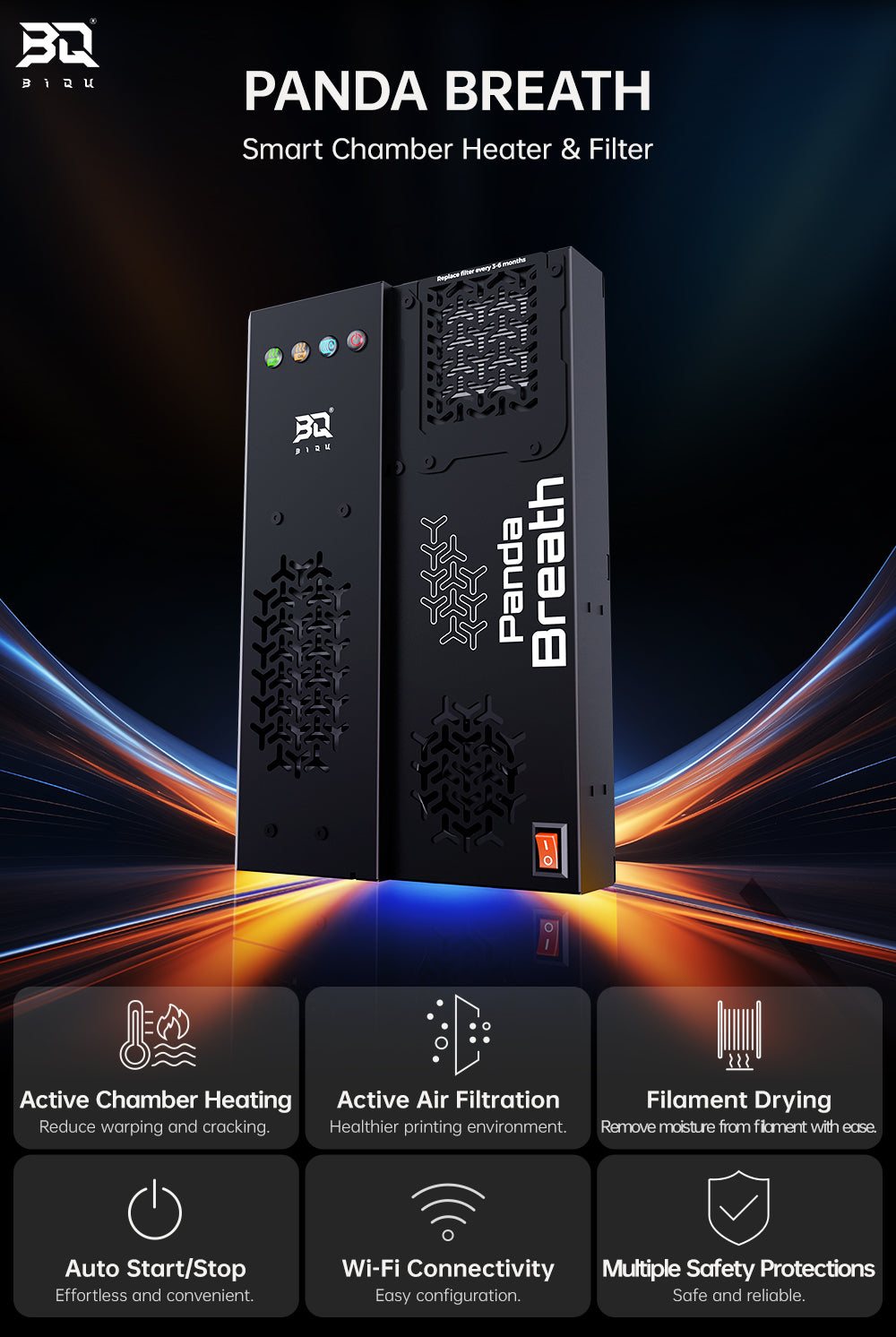
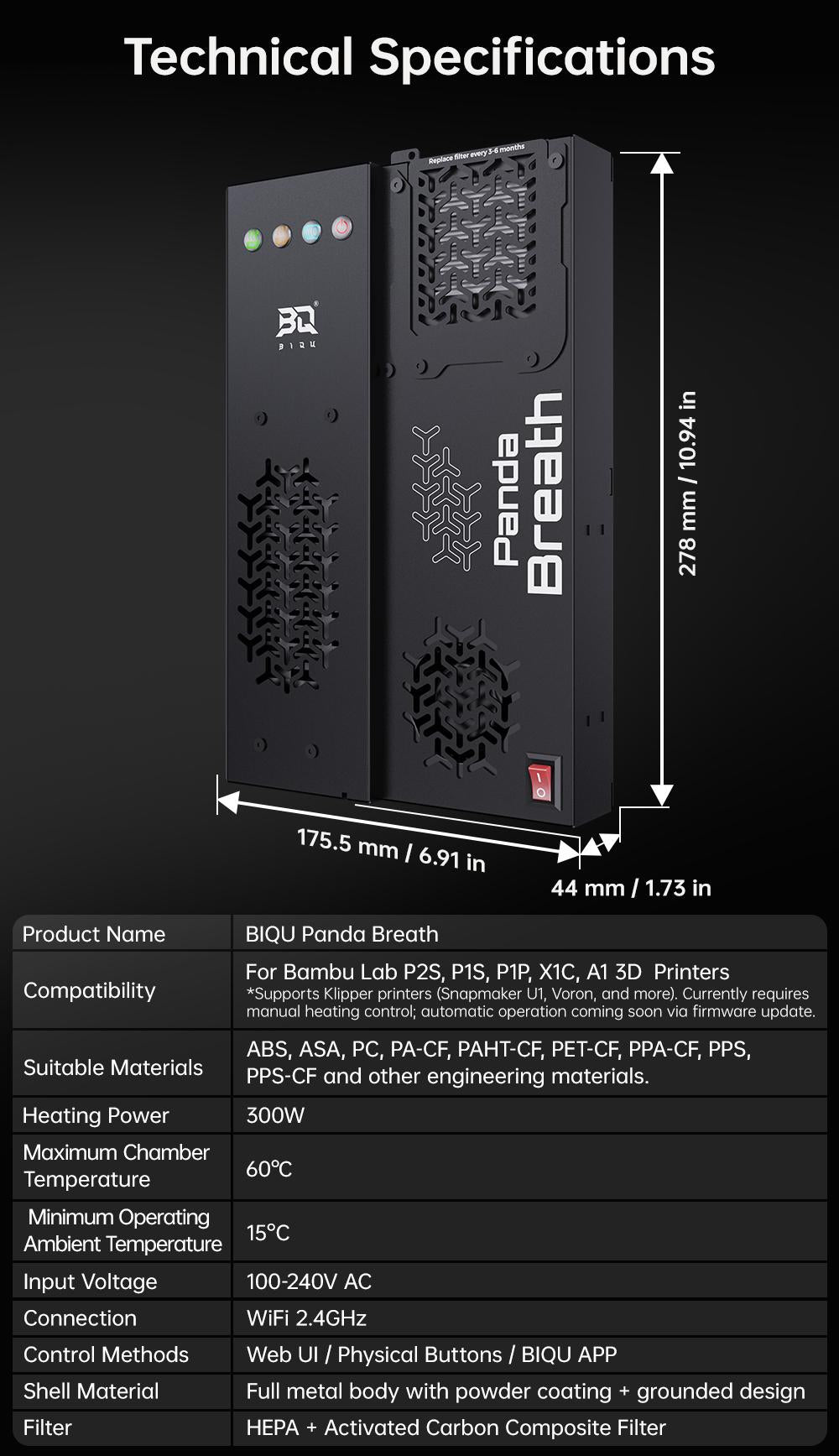
The BIQU Panda Breath V1.1.2 is a 3-in-1 smart device that solves the three biggest pain points for enclosed 3D printers — chamber temperature control, fume filtration, and filament moisture. A 300W PTC heater actively manages chamber temperature up to 60°C, dual HEPA and activated carbon filtration handles odours and airborne particles, and when the printer is idle it switches to filament drying mode to keep spools moisture-free without taking up extra desk space.
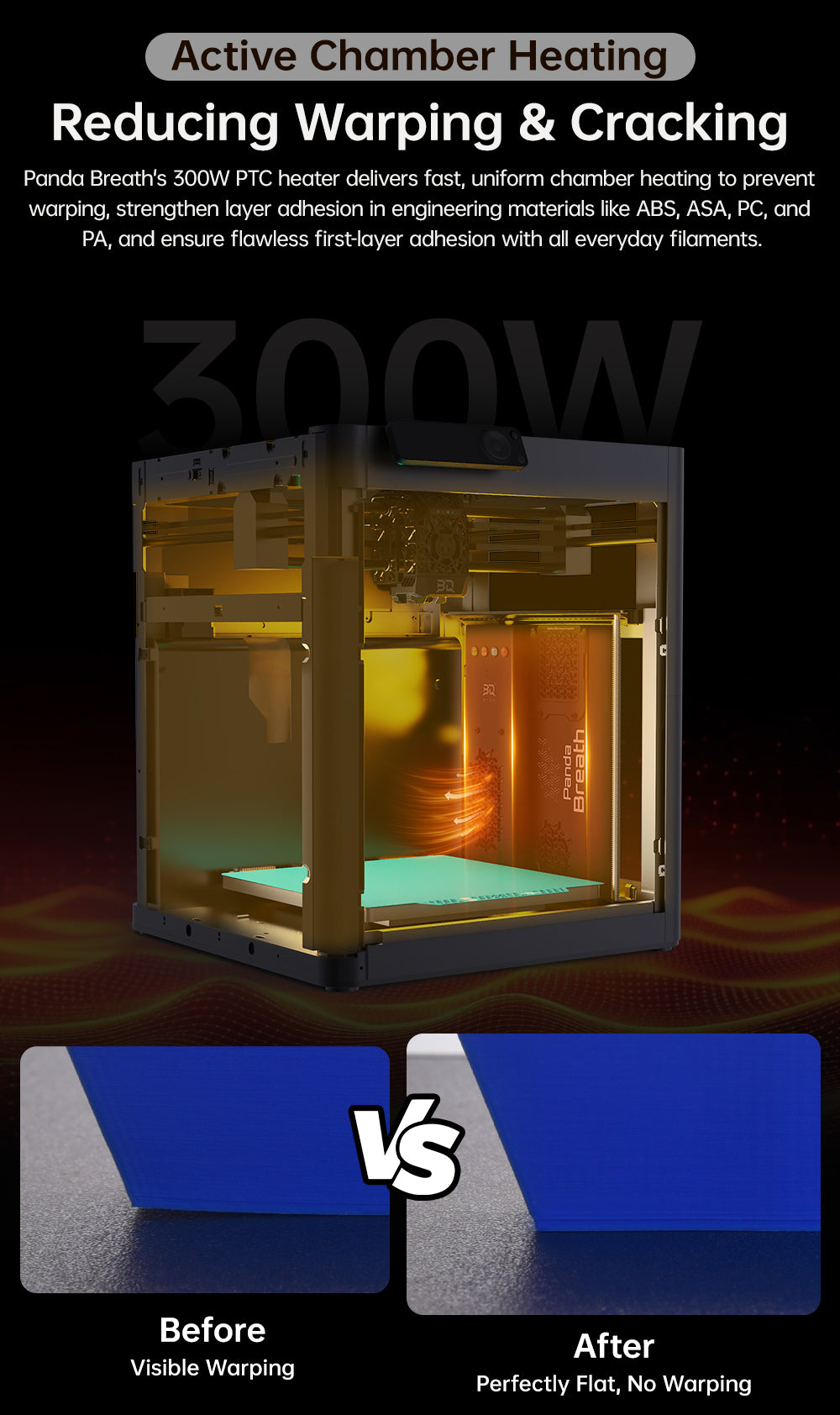
300W Chamber Heater — Stop Warping
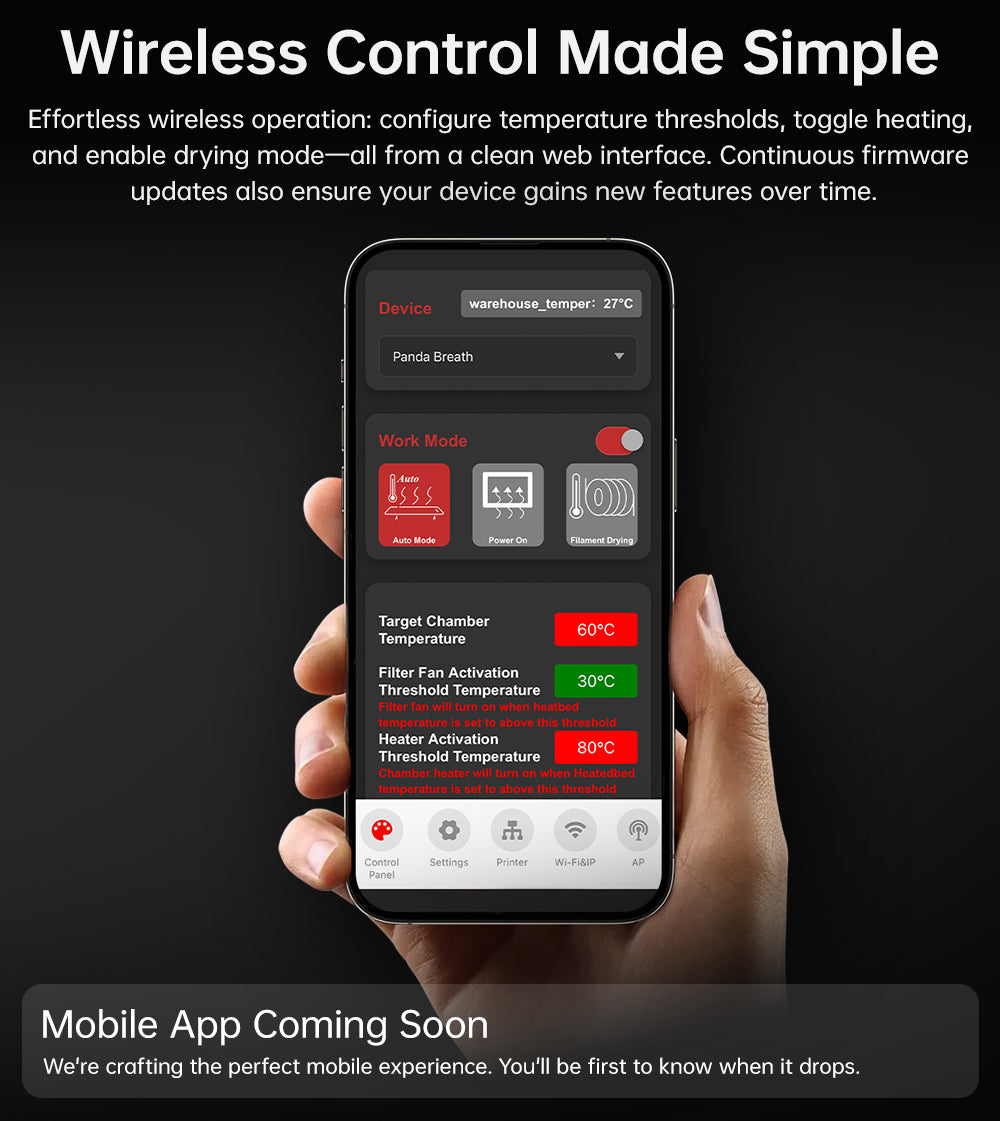
The 300W PTC heater warms the build chamber quickly and evenly, significantly reducing warping and cracking while improving layer adhesion — particularly with technical filaments like ABS, ASA, PC, and PA. Even standard materials benefit from a reliable, clean first layer once chamber temperature is stabilised. Panda Breath continuously monitors bed temperature and manages heating and filtration automatically once you set your desired thresholds via the web interface.
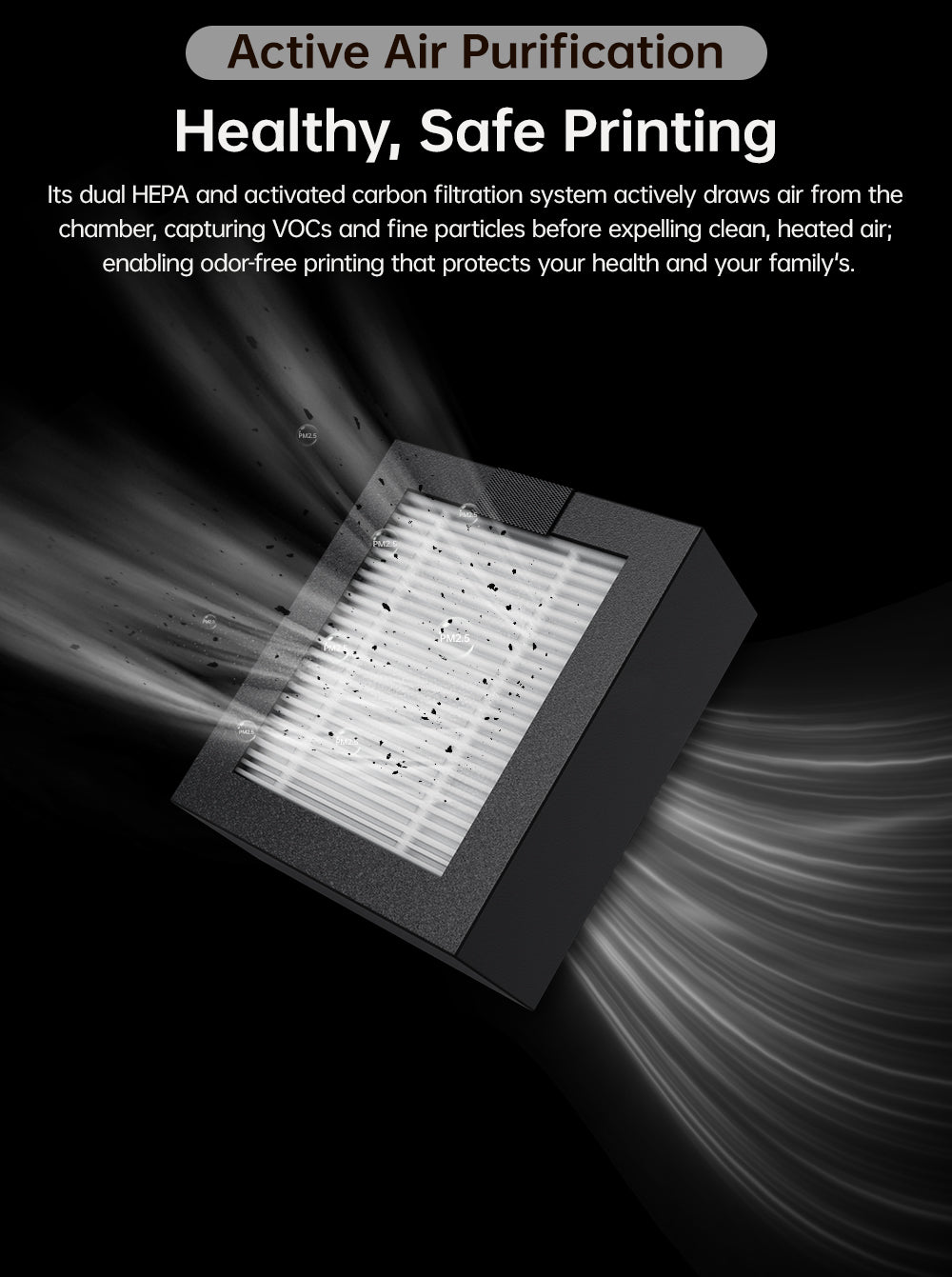
HEPA + Activated Carbon Filtration
Dual HEPA and activated carbon filters remove fine particles and VOCs from the air during printing, creating a cleaner, lower-odour printing environment — especially valuable when printing ABS or ASA, which produce noticeable fumes.
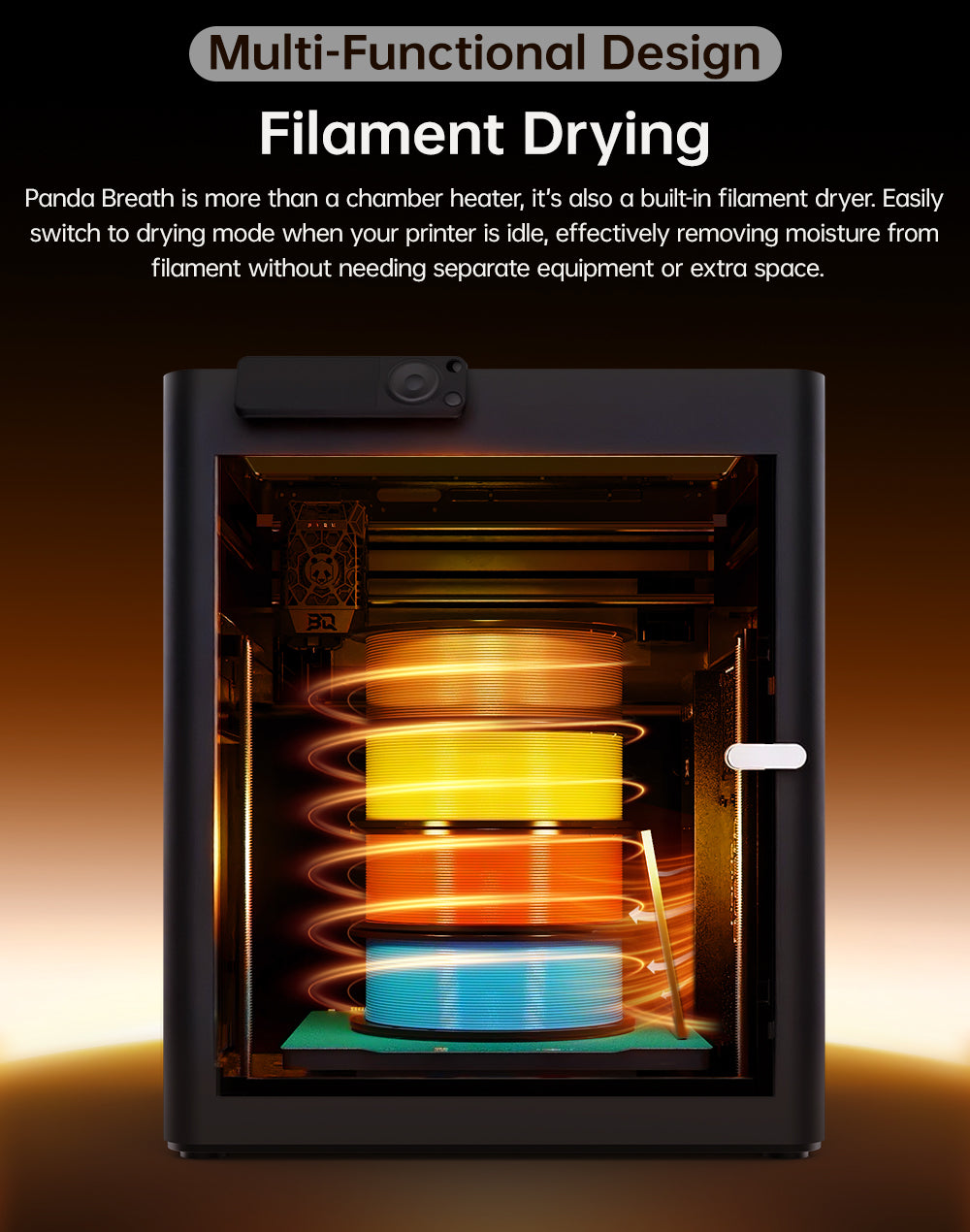
Filament Dryer Mode
When your printer is idle, switch Panda Breath to drying mode. It heats the enclosed chamber, turning your printer into a filament dryer without needing separate drying equipment — quick-access presets are available for common materials (e.g. PLA and PETG), or set custom time and temperature via the web interface.
Plug-and-Play, No Modifications
Installation requires no printer modifications and no exposed AC wiring. Panda Breath supports both Web UI and physical button controls, giving you the choice of remote configuration or real-time on-unit adjustment.
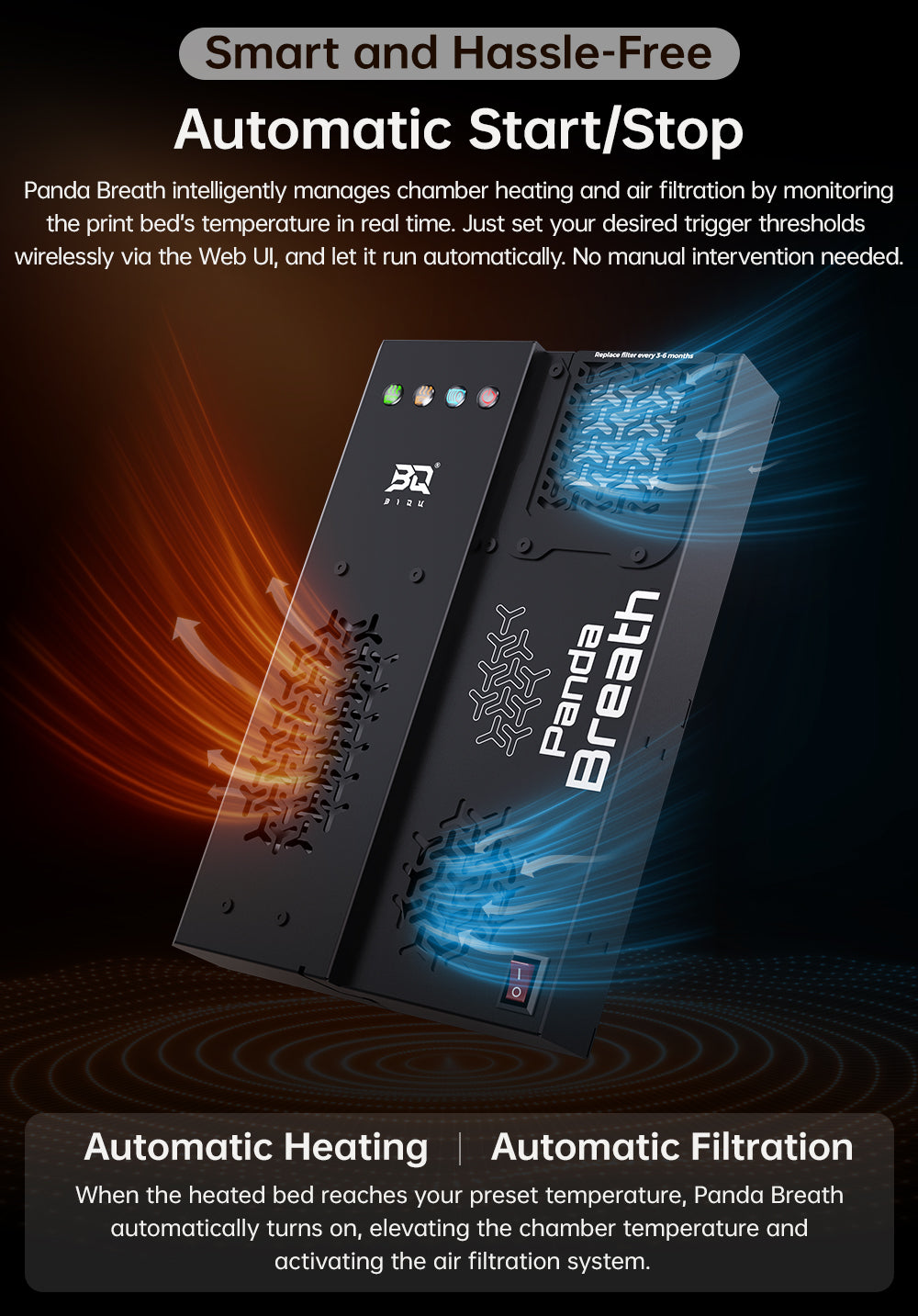
Auto Start/Stop
Panda Breath syncs with your printer’s bed temperature to automatically start heating when a print begins and stop when it finishes — no manual switching required for day-to-day use.
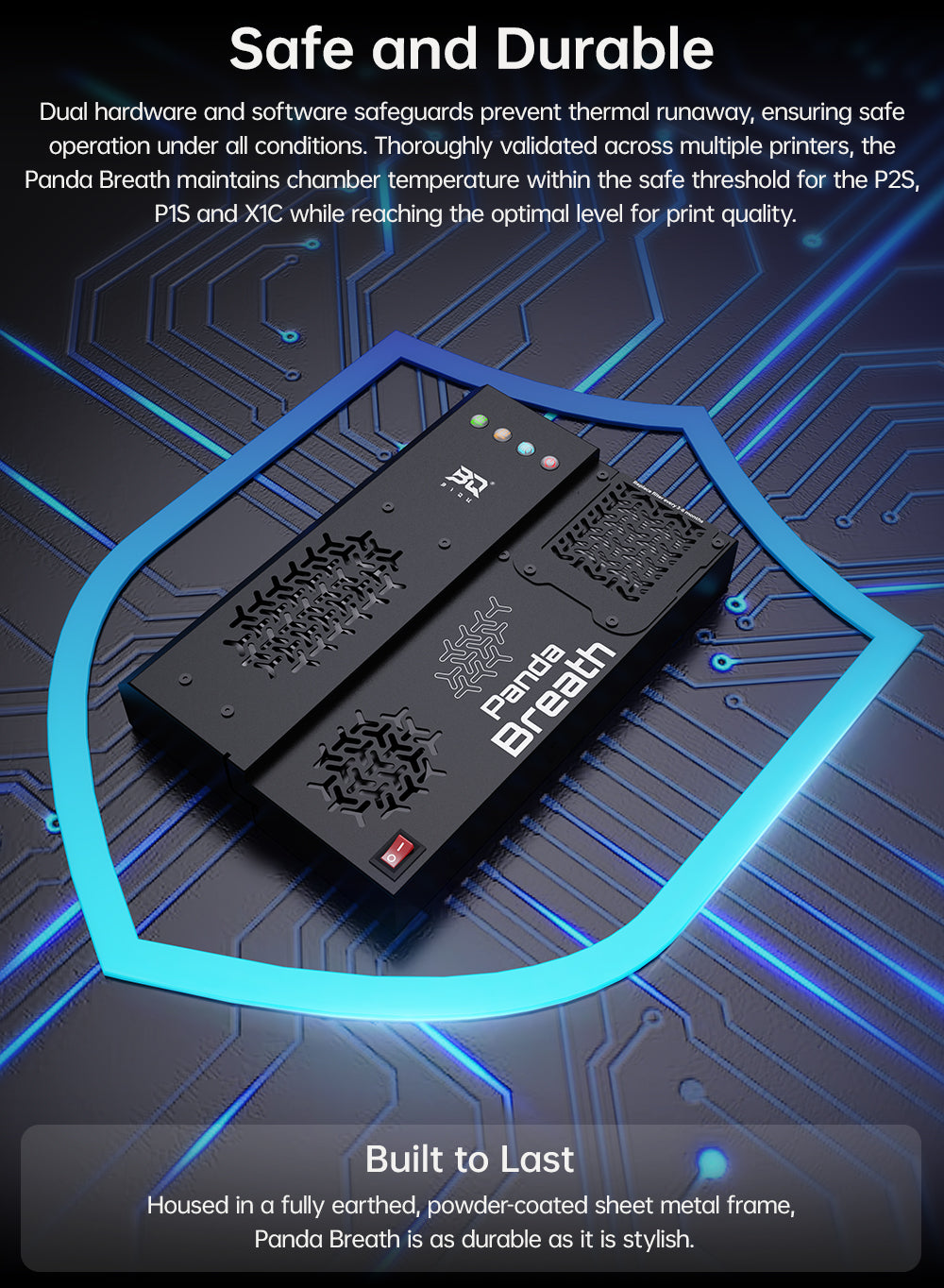
Safety
Dual hardware and software thermal protection prevents overheating under all conditions, thoroughly validated across supported printer platforms to keep chamber temperature within a safe threshold.
Important — Firmware Update Required Before First Use
Update the firmware before using Panda Breath for the first time. This update adds features, fixes bugs, and includes a self-calibration function — without it, the unit may shut off after 30 seconds of heating due to overly sensitive thermistor monitoring. Firmware is flashed via a quick-flash interface built into the unit.
A Note on Chamber Heating Performance
Panda Breath heats from the bottom of the chamber. On some printers and setups, this can mean a noticeable temperature difference between the base of the chamber and the top of the bed area, and results can vary depending on your printer’s airflow and enclosure. For best results, keep expectations grounded in your specific printer/enclosure combination rather than the headline 60°C figure alone, and check for the latest firmware for temperature calibration options.
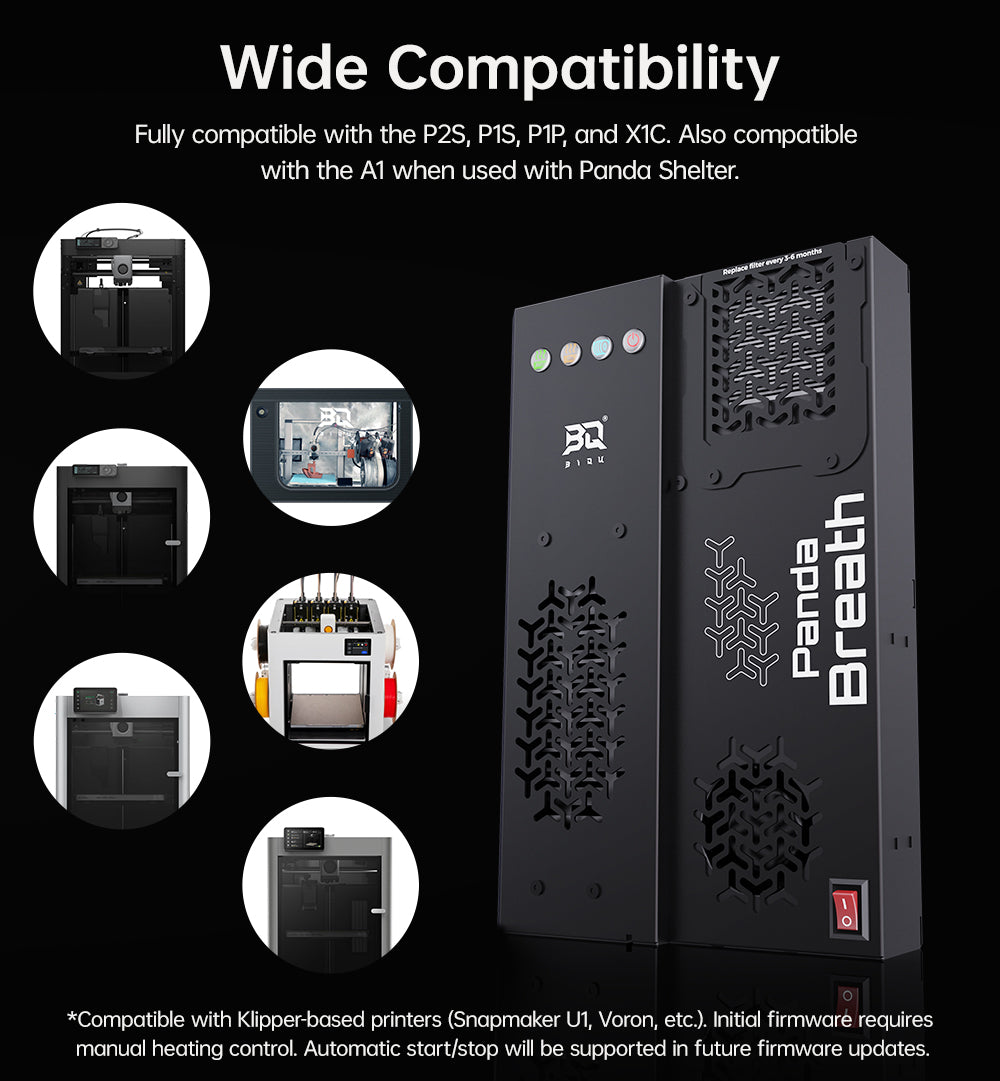
Compatibility
Bambu Lab X1C, P1S, P1P — fully supported, auto start/stop
Bambu Lab A1, A1 Mini — supported with enclosure
Klipper-based printers — Snapmaker U1, Voron 2.4, Voron Trident, VzBot, and others
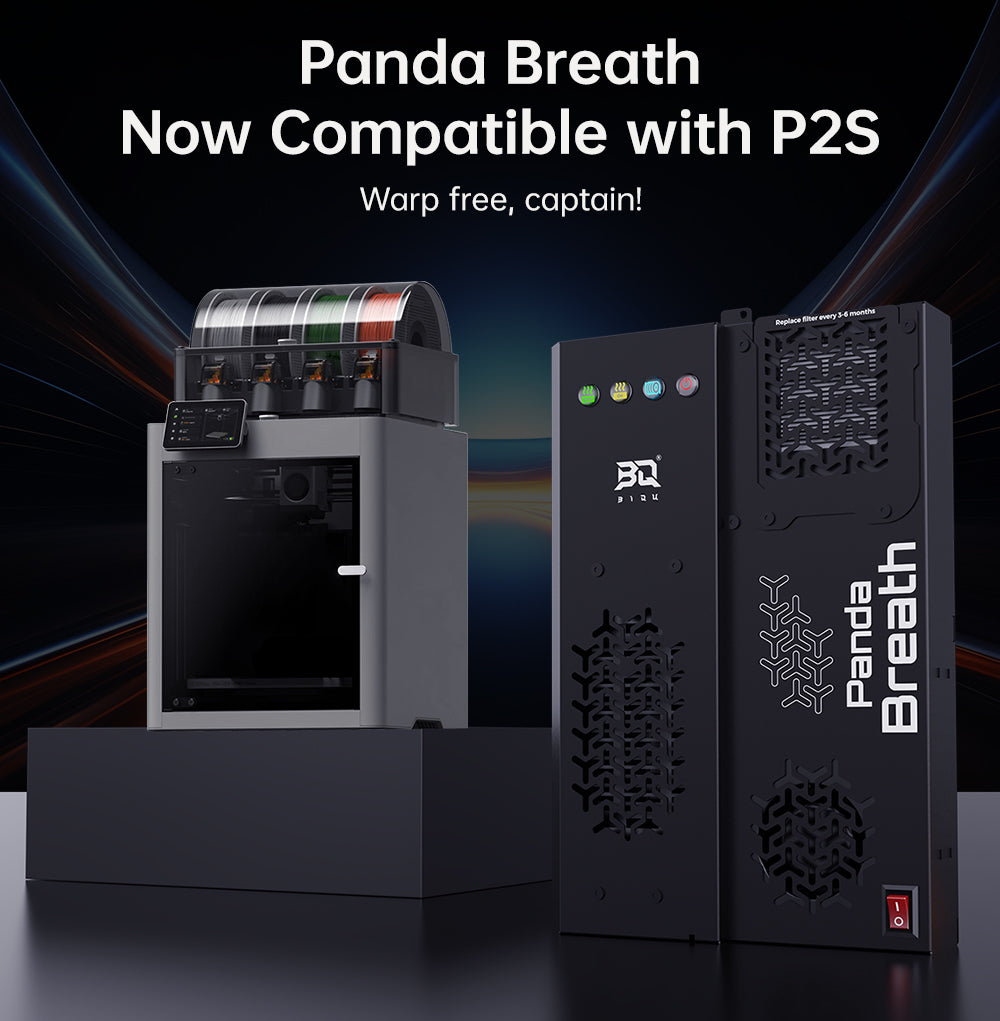
Bambu Lab P2S — supported from firmware v1.0.3 (confirm current mounting kit/file compatibility before ordering, as physical fit and firmware support are tracked separately)
Installation Overview
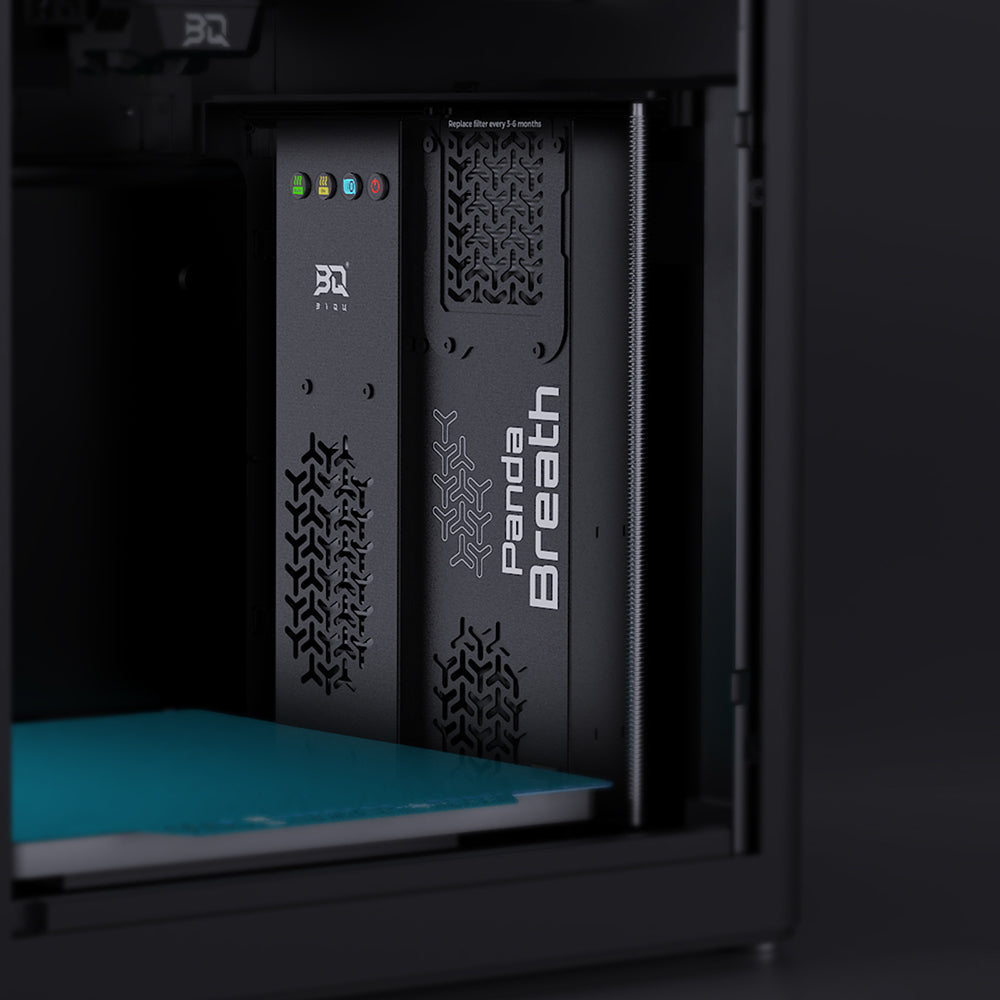
Align the Panda Breath’s bottom tabs with the printer’s alignment posts and fasten with the included M3×8 self-tapping screws. Route and secure the power cable using the included clips, passing it through the rear opening in the riser. Connect the included Y-cable to the printer’s power supply. Apply the aluminium foil insulation pads to the bottom and right side of the left fan for optimal heat retention. Prepare the mounting brackets, position the module at the back of the chamber, and secure with the four mounting screws.
What’s Included
Panda Breath unit × 1
Mounting brackets and clamp blocks
M3×8 self-tapping screws, M3×14 screws
Y-cable for power connection
Aluminium foil thermal insulation pads
Specifications
Heater: 300W PTC
Max chamber temperature: Up to 60°C
Filtration: HEPA + activated carbon
Modes: Chamber heating, air filtration, filament drying
Control: Web UI (Wi-Fi) and physical buttons
Firmware: User-flashable via quick-flash interface
Documentation
https://global.bttwiki.com/Panda_Breath.html



Gary Steele –