
Description
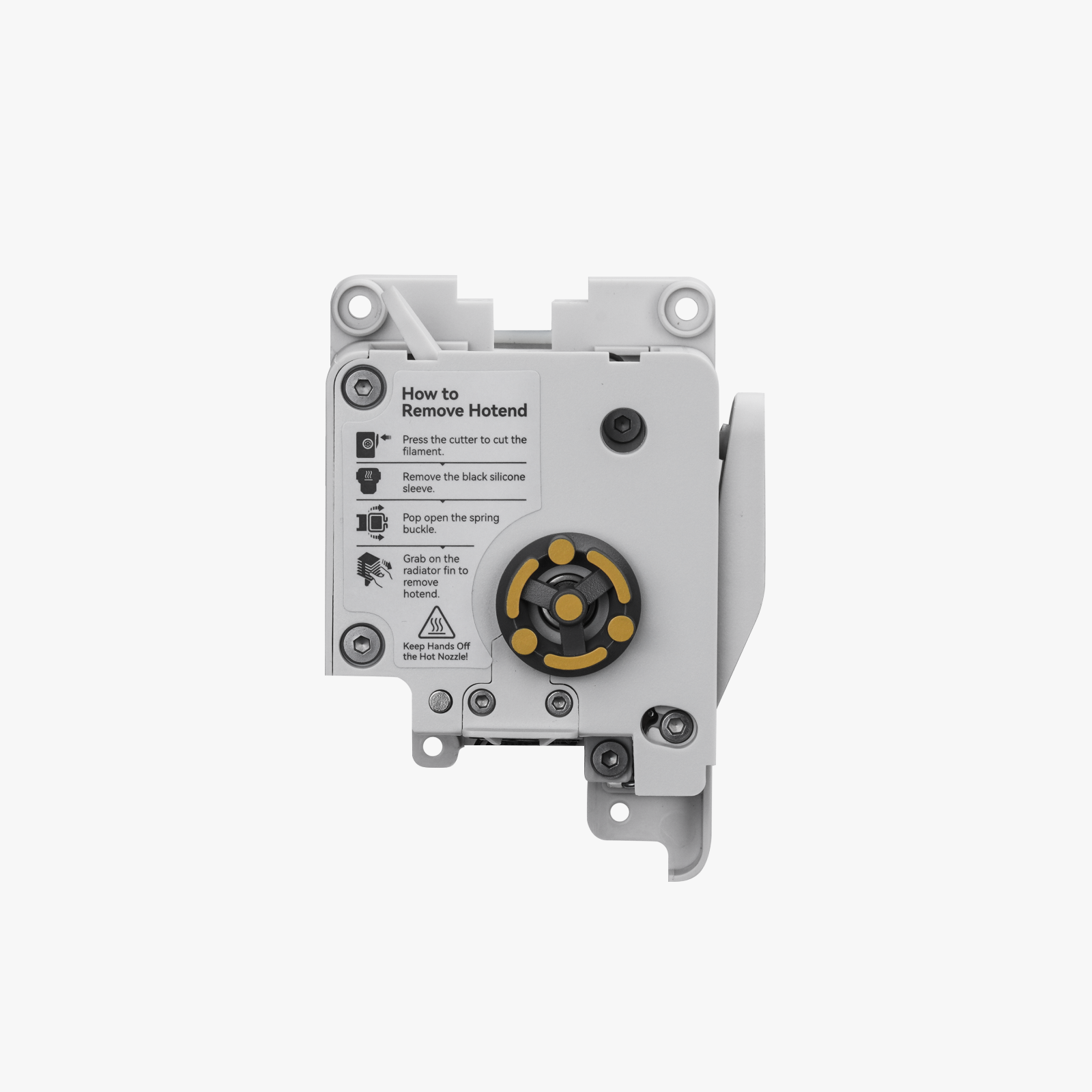
Extruder Unit for Bambu Lab A1 / A1 Mini — Compatible Replacement
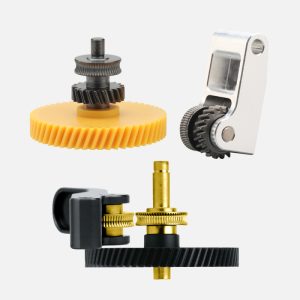
This compatible extruder unit replaces the complete filament feeding module on the Bambu Lab A1 and A1 Mini. It includes the extruder motor and the filament cutter, with hardened steel dual gears that drive filament into the hotend. If your A1 is clicking, slipping, grinding filament, or feeding inconsistently, swapping the whole unit is the quickest, most reliable fix.
It’s an aftermarket alternative to the Bambu Lab part, a direct replacement with the key components already assembled.
Complete Unit — Motor, Gears & Cutter
The unit comes as a ready-assembled module rather than a bare gear set. It includes the extruder motor that supplies the power for extrusion, the hardened steel dual gears that grip and push the filament, and the filament cutter used when unloading or switching filament. Replacing everything together means you aren’t chasing down which single part has worn out.
Hardened Steel Dual Gears
Two hardened steel gears grip the filament from both sides. That raises the extrusion force, helps prevent slipping, and improves abrasion resistance. It also lets the extruder handle tough engineering filaments such as carbon fibre and glass fibre reinforced nylon, which quickly chew through softer gears.
Built-In Filament Cutter
The cutter trims the filament cleanly during unloading and colour or material changes, which keeps AMS Lite and manual swaps reliable. A worn cutter is one of the common causes of messy filament changes, and it’s replaced along with the unit.
When to Replace
Clicking, grinding, or skipping from the extruder, filament slipping or showing chewed marks from the gears, inconsistent extrusion or under-extrusion despite dry filament and a clear nozzle, a filament cutter that jams, fails to cut, or leaves ragged ends, a failed or noisy extruder motor, visible damage after a collision or filament jam, and as a long-term upgrade for printing abrasive filaments.
If only the gears are worn, you may be able to replace the gear assembly alone. A full unit swap is the better option if the motor or cutter is also affected, or you aren’t sure which part has failed.
Installation
Power off and unplug the printer before starting. Remove the toolhead covers, disconnect the extruder motor and sensor wiring, remove the old extruder unit, and fit the new one using the supplied screws. Reconnect the wiring, making sure connectors are fully seated and cables aren’t pinched when you refit the covers. Refer to the Bambu Lab Wiki guide for replacing the extruder unit on the A1 series for the full step-by-step procedure.
Compatibility
Bambu Lab A1
Bambu Lab A1 Mini
Not compatible with the P1, X1, P2S, X2D, A2L, or H2 series, which use different extruders.
What’s Included
Extruder unit × 1 (with hardened steel dual gears, filament cutter, and extruder motor)
Mounting screws
Reviews
There are no reviews yet