
Description
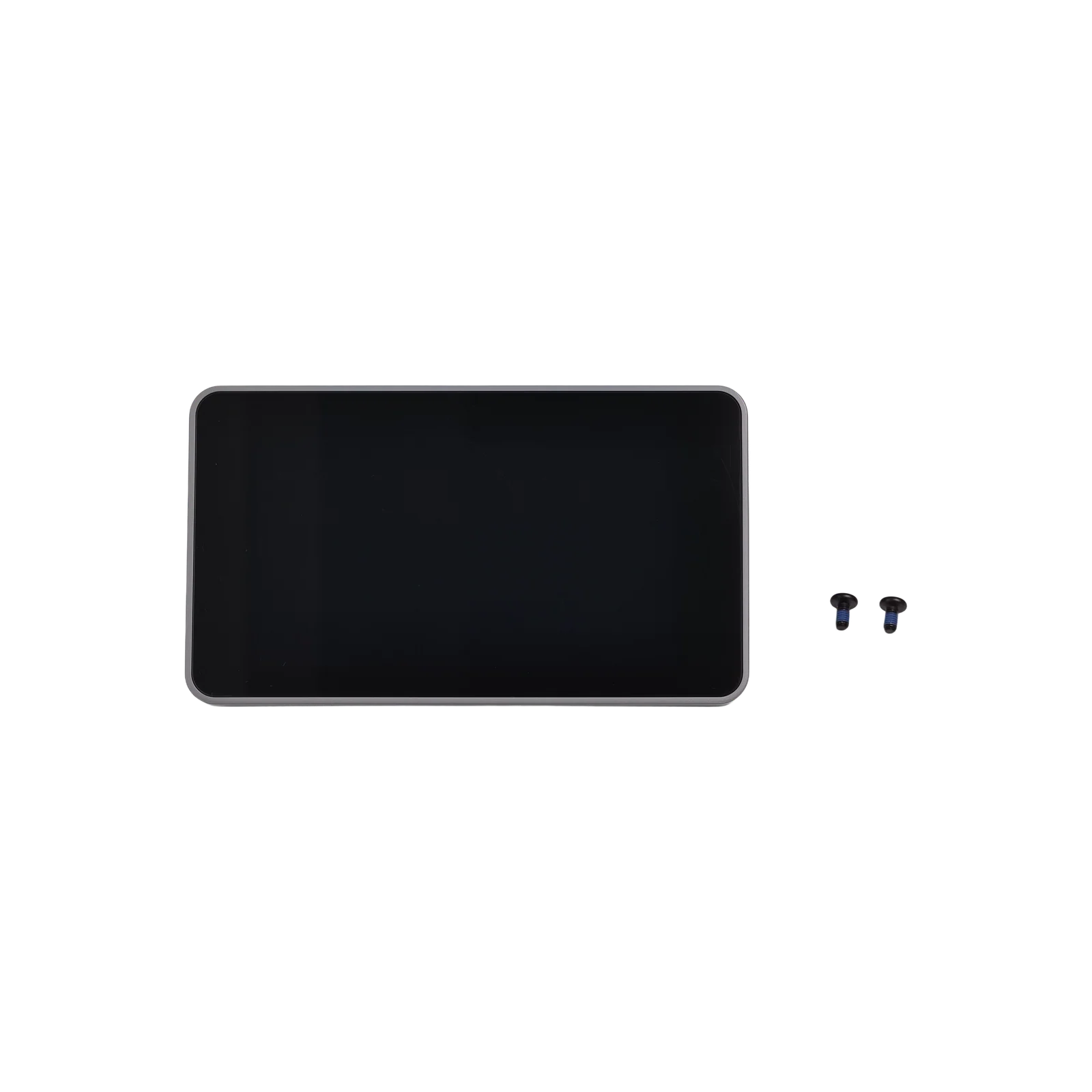
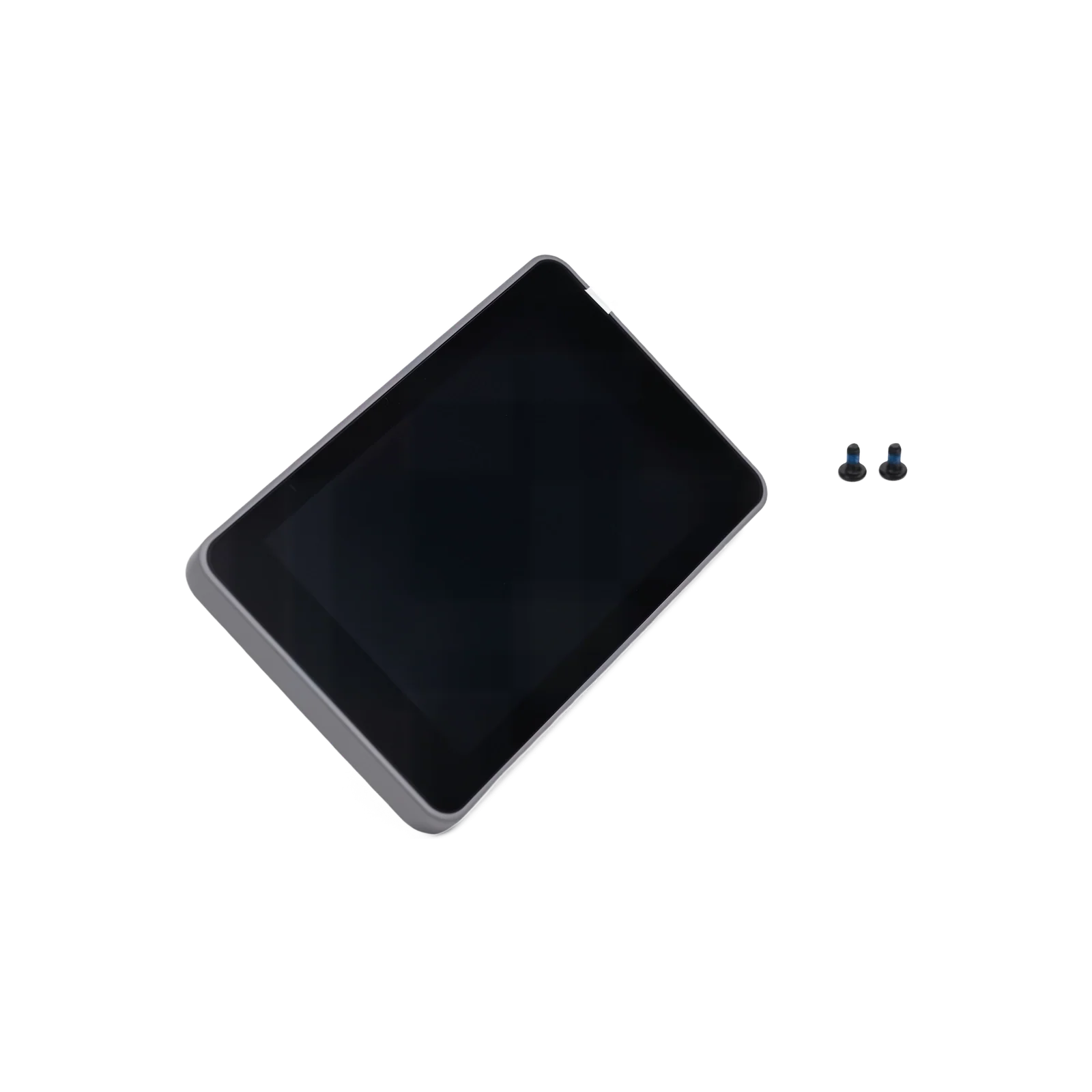
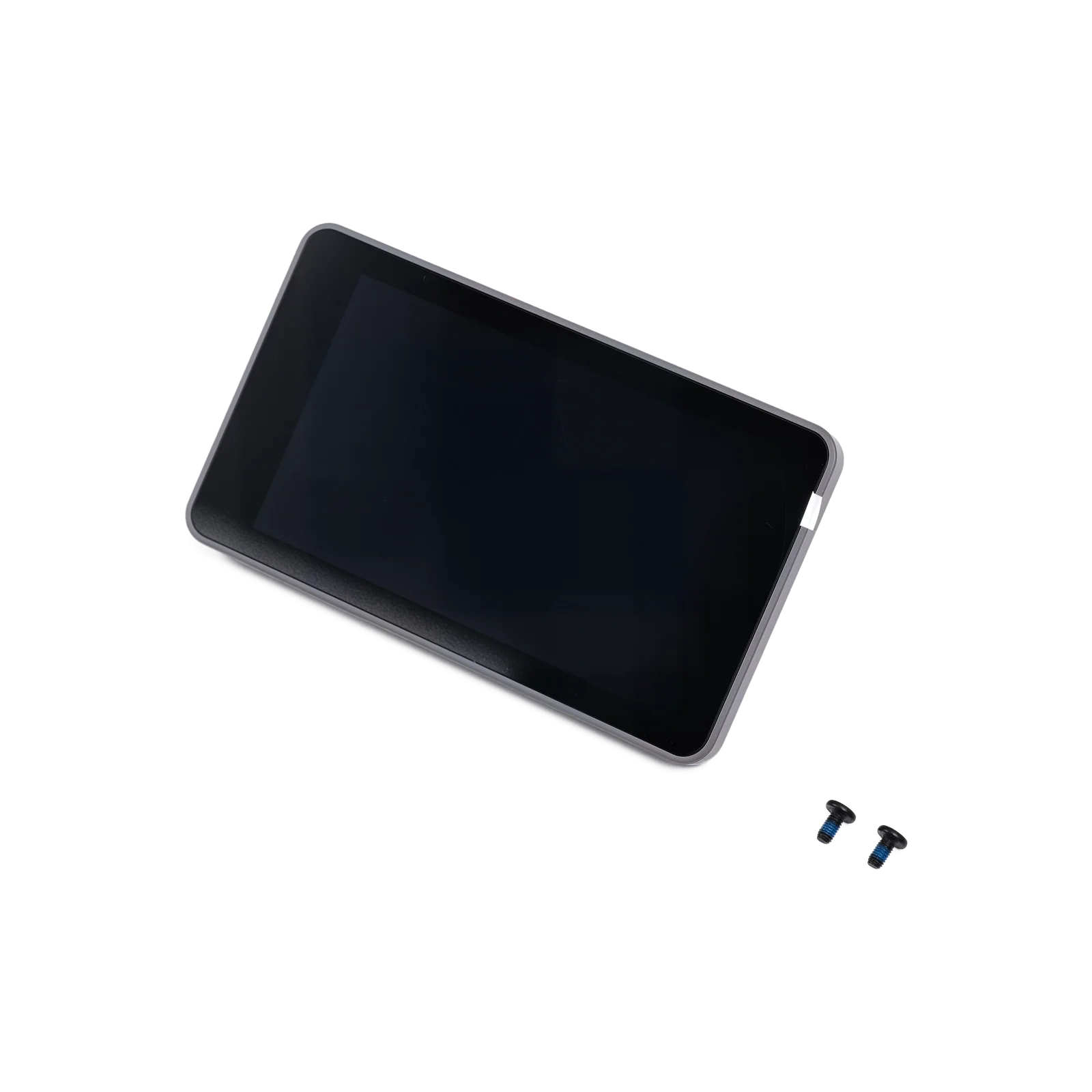
Flashforge Touchscreen Display for Creator 5 Series
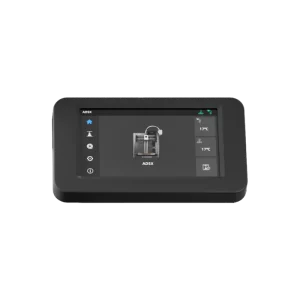
This is the genuine Flashforge replacement touchscreen display for the Creator 5 and Creator 5 Pro — the 4-inch, 800×480 full-colour screen module that handles printer controls, real-time status monitoring, and day-to-day touchscreen operation. If your display has cracked, stopped responding, or developed dead zones, this is the direct replacement.
4-Inch Full-Colour Touchscreen
The Creator 5 series uses a 4-inch, 800×480 full-colour touchscreen with a smooth, responsive touch feel — used for everything from starting and monitoring prints to navigating settings and running calibration routines directly on the printer.
Quick Plug-and-Play Interface
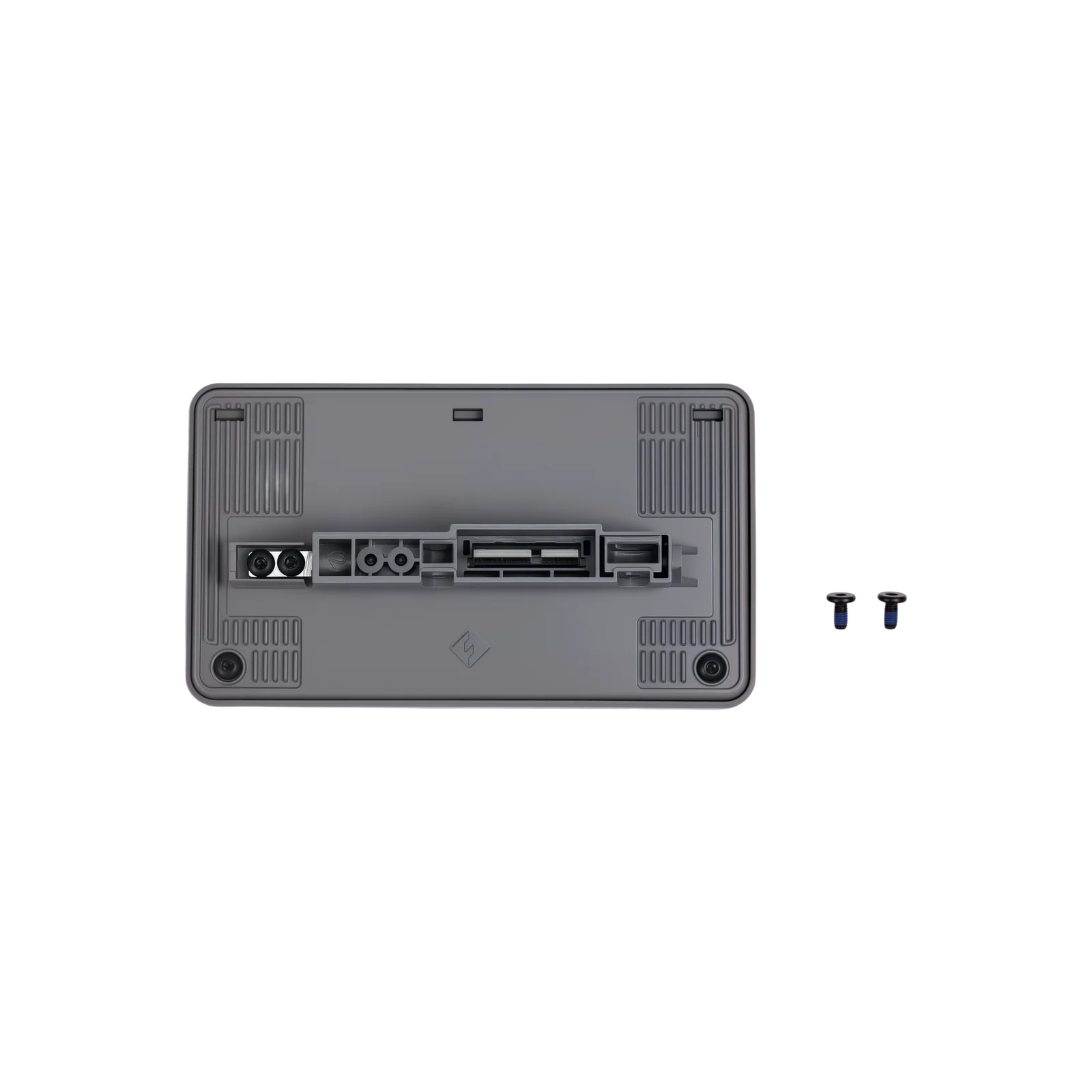
The screen connection uses a redesigned quick plug-and-play interface, enabling fast connecting and disconnecting — making installation and replacement significantly more convenient than a standard ribbon cable connection.
When to Replace
Cracked, shattered, or physically damaged screen, unresponsive or inconsistent touch input, dead pixels, dead zones, or display artefacts, screen not powering on despite the printer functioning normally, and as part of general toolhead-adjacent electronics servicing.
Firmware Note
If you’re also replacing the Extruder Mount PCB, Extruder Dock Board, or Calibration Board alongside this screen, a firmware upgrade via USB drive is required. Download the latest firmware from the official Flashforge website or contact Flashforge after-sales support for assistance before resuming normal operation. Replacing the touchscreen alone does not require this firmware update.
Compatibility
Flashforge Creator 5
Flashforge Creator 5 Pro
Not compatible with the AD5X, AD5M, AD5M Pro, Guider series, or other Flashforge models — those printers use different display assemblies and connector interfaces.
Installation
Power off the printer and disconnect from mains power before starting. Refer to the official Flashforge Wiki for the Creator 5 series for the complete step-by-step guide, using the quick plug-and-play connector to disconnect the old screen and connect the replacement.
What’s Included
Touchscreen Display × 1

Reviews
There are no reviews yet