Frequently Asked Questions
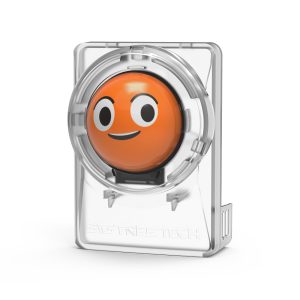
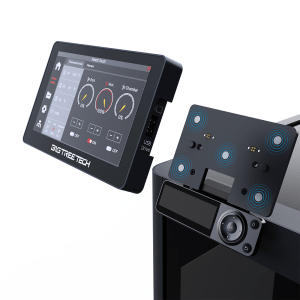
What Does A BIGTREETECH Panda Knomi Or Panda Touch Add To My Bambu Lab Printer?
These are aftermarket smart display upgrades that add live camera monitoring, print status, and touchscreen control directly on the printer, complementing or extending what’s shown in the Bambu Handy app. The Panda Touch also adds wireless multi-printer control from a single 5-inch screen.
Are BIGTREETECH Displays Compatible With My Bambu Lab Printer?
The Panda Knomi is designed for the A1 and A1 Mini, while the Panda Touch supports multi-printer control across the X1, P1, and A1 series. Always check the specific listing to confirm compatibility with your exact printer model before ordering.
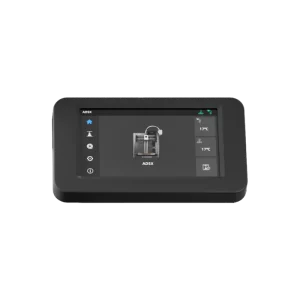
Is The Flashforge AD5X Touch Screen A Genuine OEM Part?
Yes. The AD5X touch screen assembly we stock is a genuine OEM replacement, ensuring correct fit and reliable performance if your original screen has failed or been damaged.
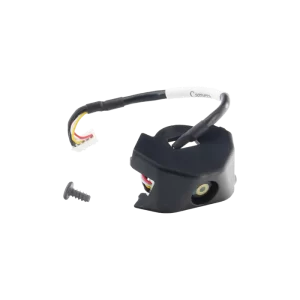
What Does The AD5X/AD5M Camera Kit Do?
The camera kit is a genuine OEM component that enables remote print monitoring and time-lapse capture on the AD5X and AD5M, letting you check on your print from the Flash Maker app without being in the same room.
How Do I Know If My Display Screen Needs Replacing?
Common signs include a cracked or unresponsive touchscreen, a blank or flickering display, or the screen not powering on at all. If your printer’s built-in screen has failed, an OEM replacement restores full functionality without needing to control the printer purely through the app.
Is Installation Difficult?
OEM replacements are generally straightforward, involving connecting to the existing mount and cabling. Aftermarket smart displays like the Panda Knomi and Panda Touch involve a bit more setup, including firmware and network configuration, but are designed to be user-installable.
Do You Offer Technical Support For Fitting These Parts?
Yes. Our team is available to help with installation guidance, troubleshooting, and compatibility questions, so you can get your new display up and running correctly.